
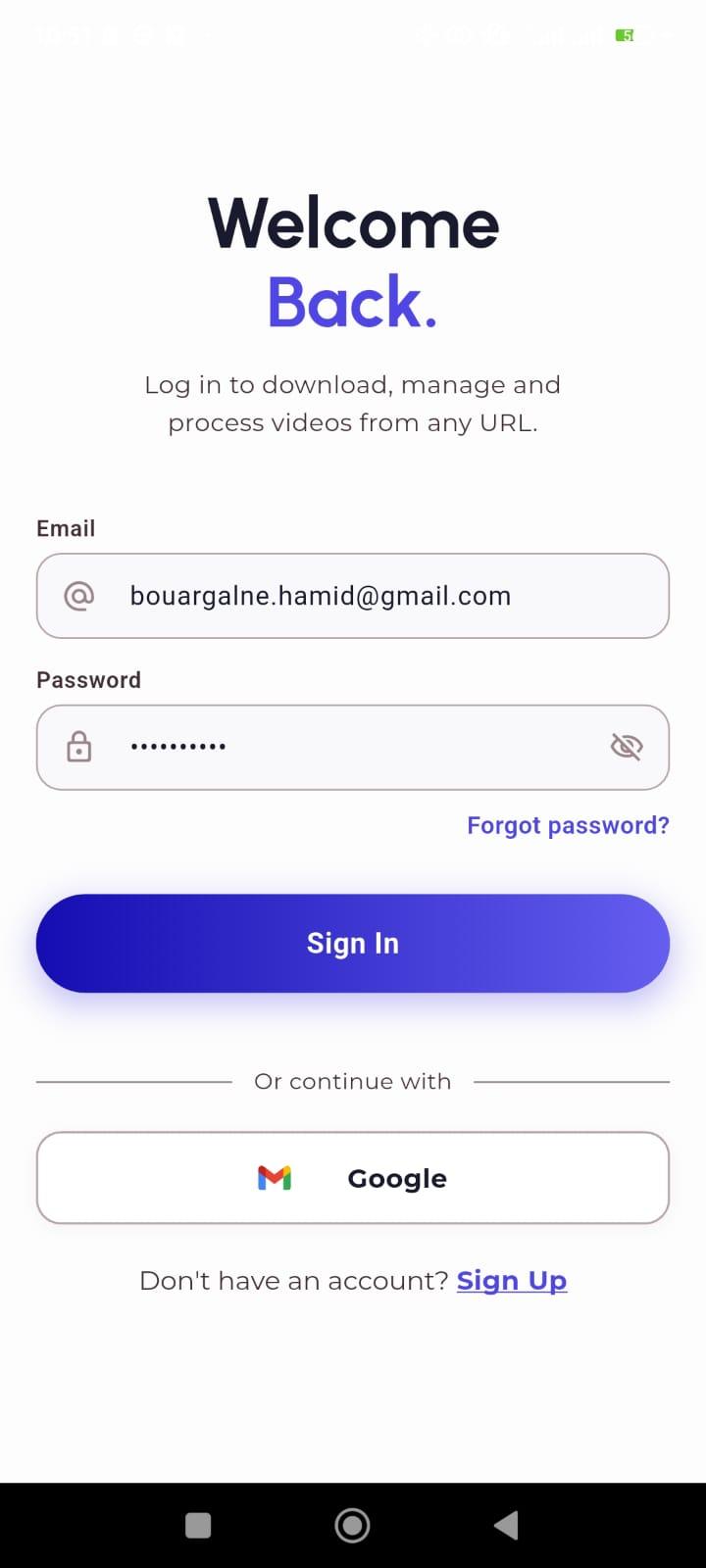
🚀 Siwl - Video & Audio Downloader Mobile App
Siwl is a powerful and feature-rich mobile application developed with Flutter for the frontend and Python (FastAPI) for the backend. It allows users to easily download videos and extract audio from various sources (YouTube, etc.) using just a simple URL.
🎬 Multi-Source Downloads: Download videos from multiple platforms using a single URL.
⚙️ Multiple Quality Options: Users can select their desired video quality before downloading.
🎵 Advanced Audio Extraction: Convert and extract audio from videos into various formats (MP3, M4A, WAV, FLAC, AAC, OPUS).
💾 Local Storage: Automatically and directly save downloaded files to the phone's internal storage.
🔒 Highly Secure Authentication:
OTP Code verification system (sent via email using the Resend API).
Seamless "Continue with Google" integration for one-click sign-in.
⚡ Asynchronous Background Processing: Downloads and extractions run smoothly in the background without freezing the app.
Frontend: Flutter (Dart)
Backend: Python, FastAPI, yt-dlp, SQLAlchemy
Database: MySQL
Third-Party Services: Firebase (Google Auth), Resend (OTP Emails)
Follow these steps to get the project up and running on your machine:
Open the backend folder in your code editor (e.g., VS Code).
Locate the .env.example file, duplicate it, and rename the copy to .env.
Fill in your own API keys in the .env file:
RESEND_API_KEY (Your Resend email API key)
GOOGLE_CLIENT_ID (Your Google Auth client ID)
(Also configure your MySQL connection in DATABASE_URL)
Open your terminal and start the server using the command:
bashmake run
Open the Flutter project folder in Android Studio (or VS Code).
Set up your own Firebase project:
Generate your configuration files (google-services.json for Android and GoogleService-Info.plist for iOS).
Place them in the corresponding directories of the Flutter app.
Launch your emulators or connect a physical device.
Run the project using the standard flutter run command or via your editor's Play button.
No reviews yet. Purchase to leave a review.