A93
by PROLAB® · DashboardVerified
ReactNext.jsTypeScriptTailwind CSS
$45

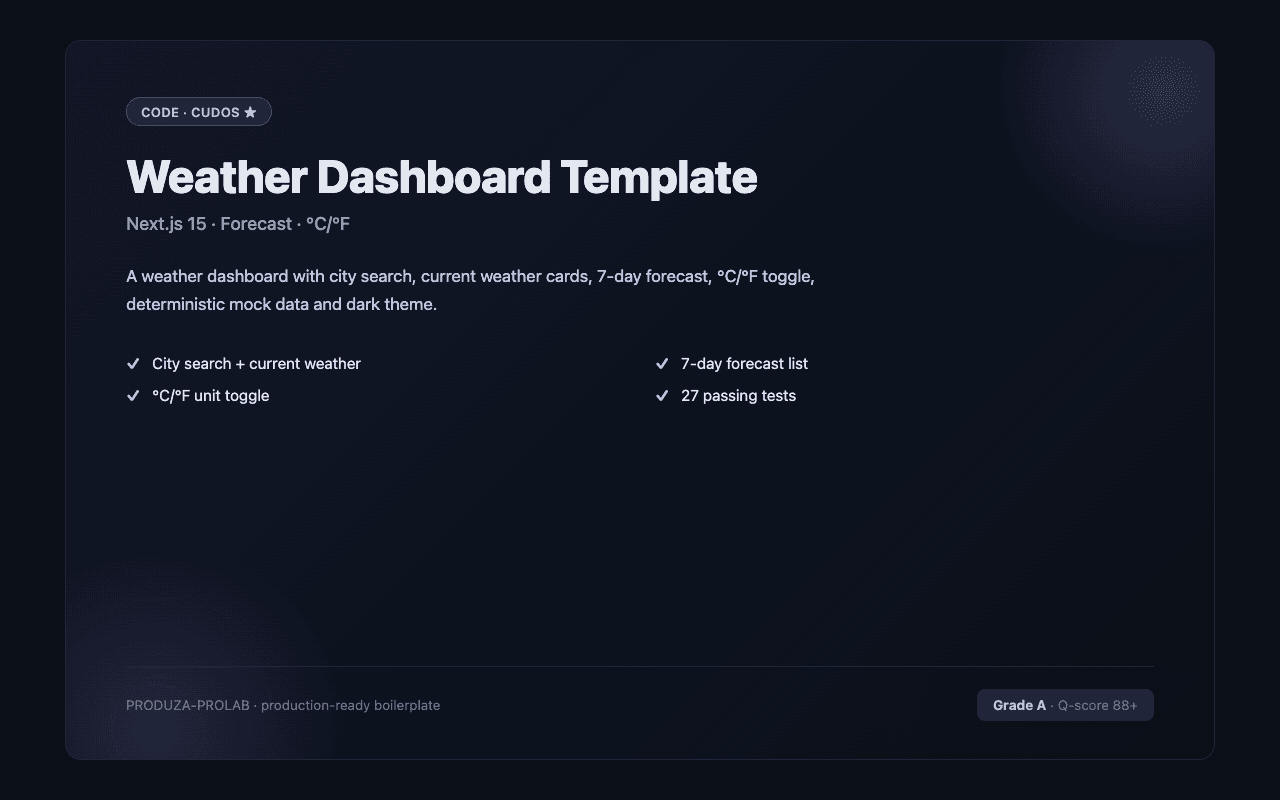
Admin dashboards are the most-purchased category — high-quality dashboards save 3–6 weeks of building tables, charts, and navigation. Filtered to Tailwind CSS listings only — 3 match. Tailwind CSS powers most CodeCudos listings — from one-off components to full design systems built on shadcn/ui and Radix.
3 quality-scored listings.
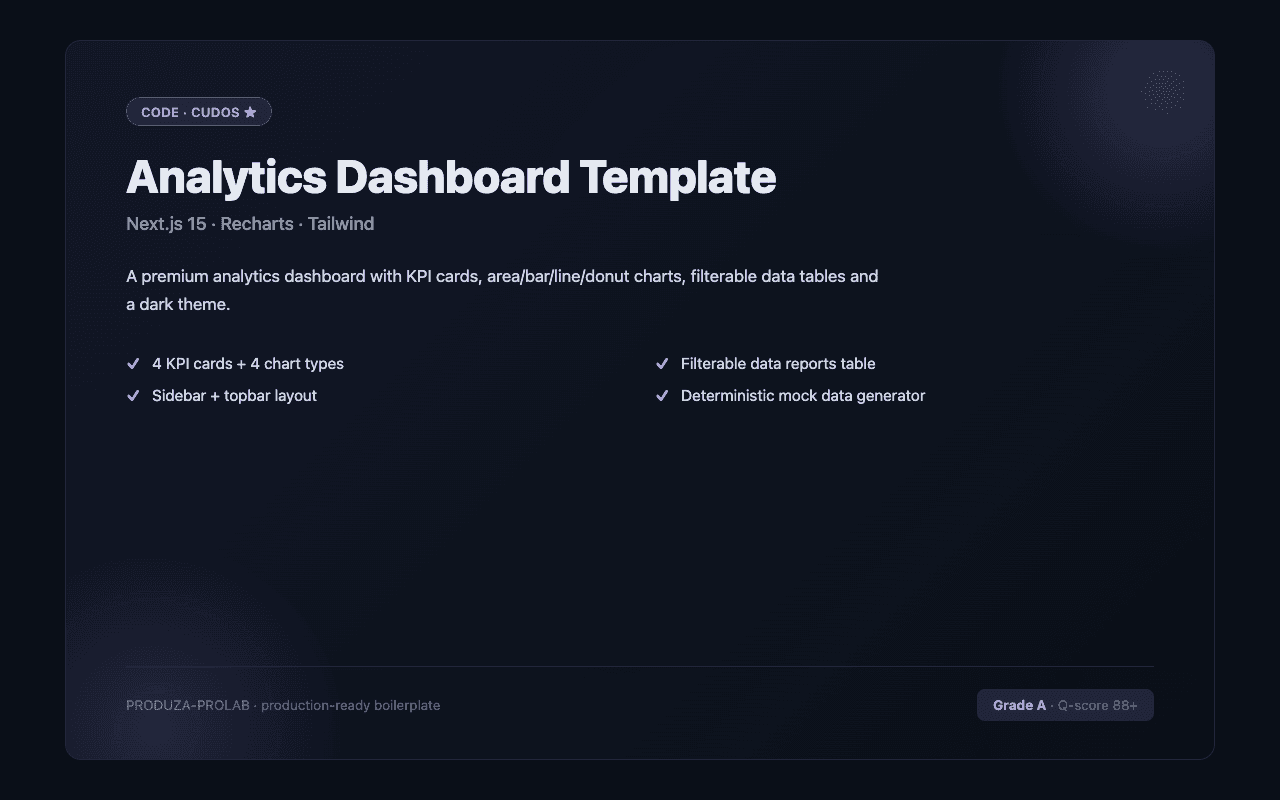
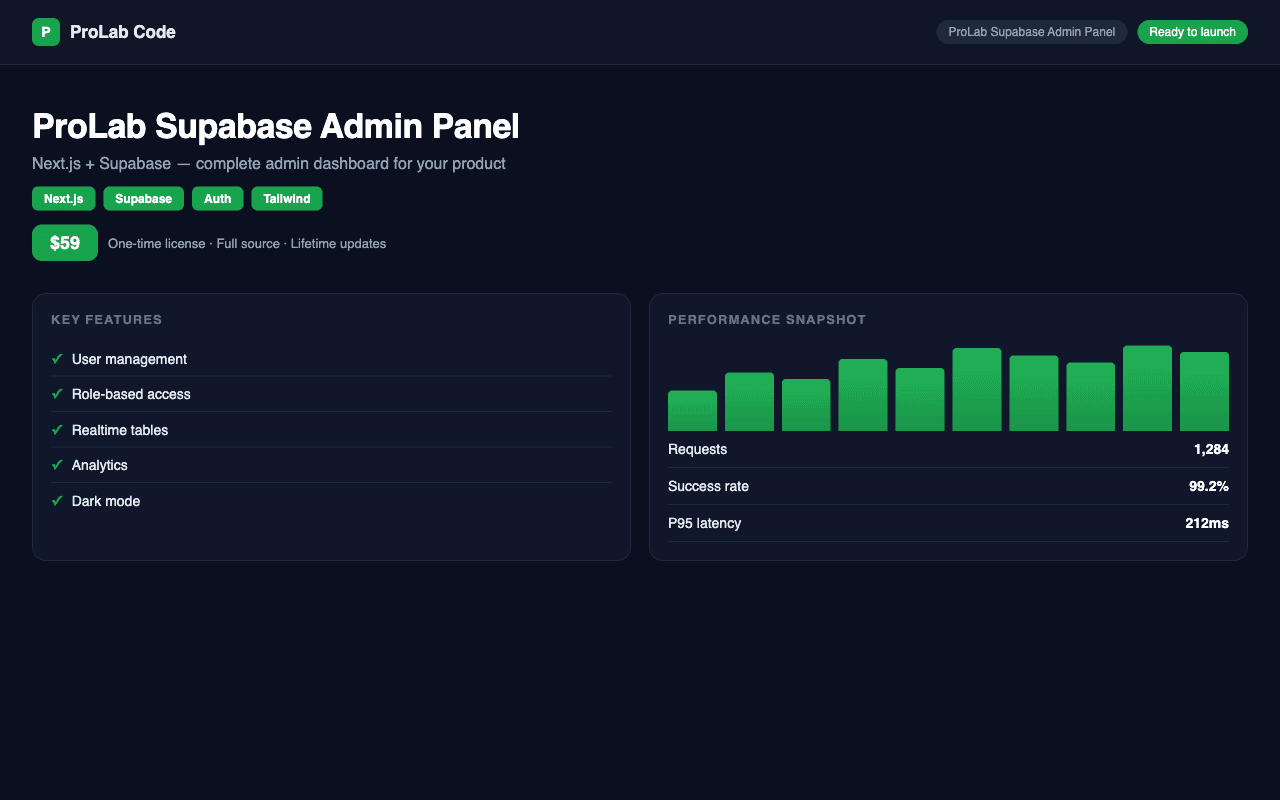
A quality dashboard listing includes a sidebar with active state, breadcrumbs, a data table with sort/filter/pagination, at least one chart library wired up, role-based access guards, and a clean form pattern. Modern dashboards target shadcn/ui for components and TanStack Table for data. Pair with a backend boilerplate to skip even more time. For the Tailwind CSS subset specifically, the strongest listings target current Tailwind CSS versions, ship with TypeScript types where applicable, and document any framework-specific gotchas (deployment adapters, runtime requirements, etc.). Check the quality score and the listing's stack tags before buying — a "Tailwind CSS" tag confirms it works in the Tailwind CSS ecosystem natively.
Tailwind CSS is the most-traded stack on CodeCudos for admin dashboards. Picking a Tailwind CSS-based listing means the code drops into your existing Tailwind CSS project without framework-level rewrites — and the ecosystem of complementary libraries (auth, payments, ORM) is mature and well-documented.
Most dashboards include Recharts or Chart.js — sometimes both. Check the description if you need a specific chart library.
Modern listings are responsive by default. Legacy listings may be desktop-first. Check screenshots and the demo URL.
Tailwind v4 is the current default. v3 listings work, but require a migration eventually if you want long-term parity.
Tailwind v3+ ships JIT-only — only the classes you use ship in the build. The PurgeCSS era is over.
Request a refund within 14 days from your dashboard. We'll approve refunds when the code doesn't match the listing description or has critical bugs that prevent normal use.