
by Mayank Yadav · Boilerplate
Next.jsReactTypeScriptTailwind CSS+3
$149

A Next.js blog template gives you the content pipeline, SEO metadata, and reading experience already built — so you write posts, not infrastructure. Filtered to Tailwind CSS listings only — 11 match. Tailwind CSS powers most CodeCudos listings — from one-off components to full design systems built on shadcn/ui and Radix.
11 quality-scored listings.



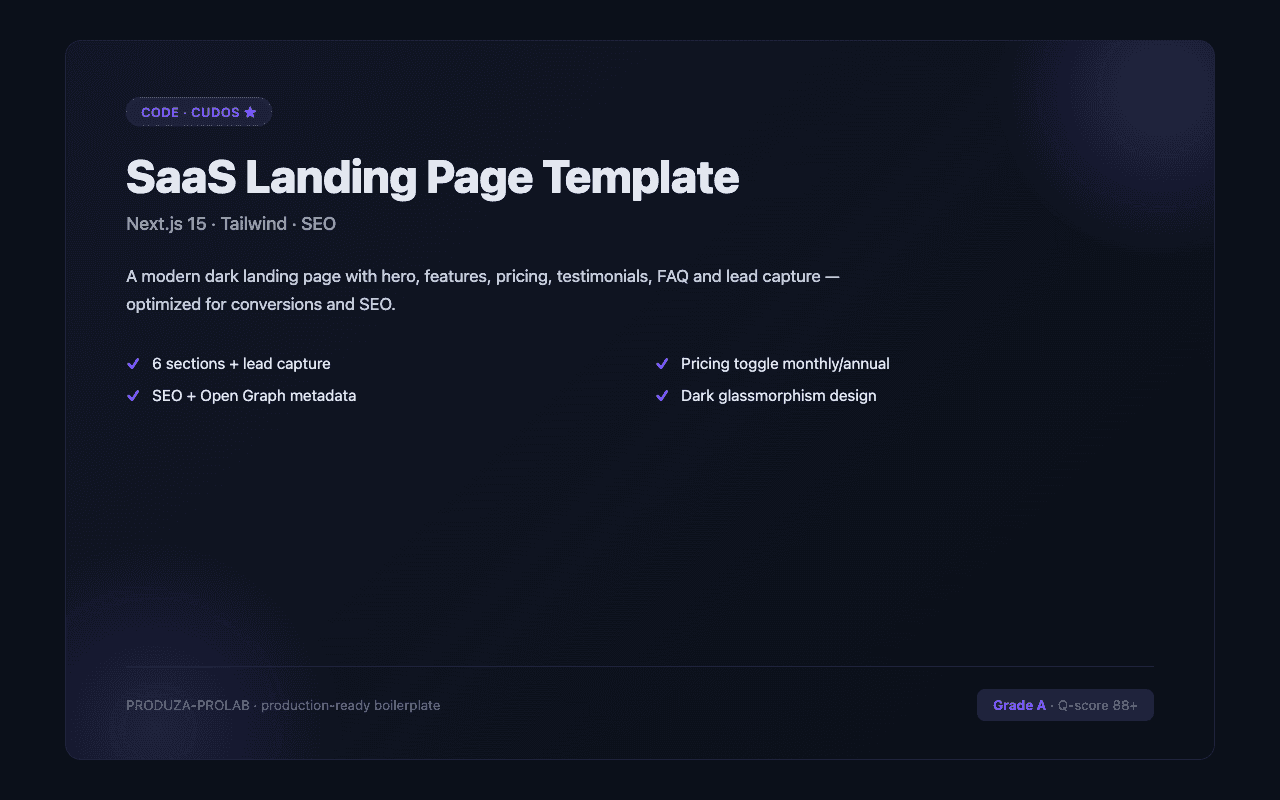
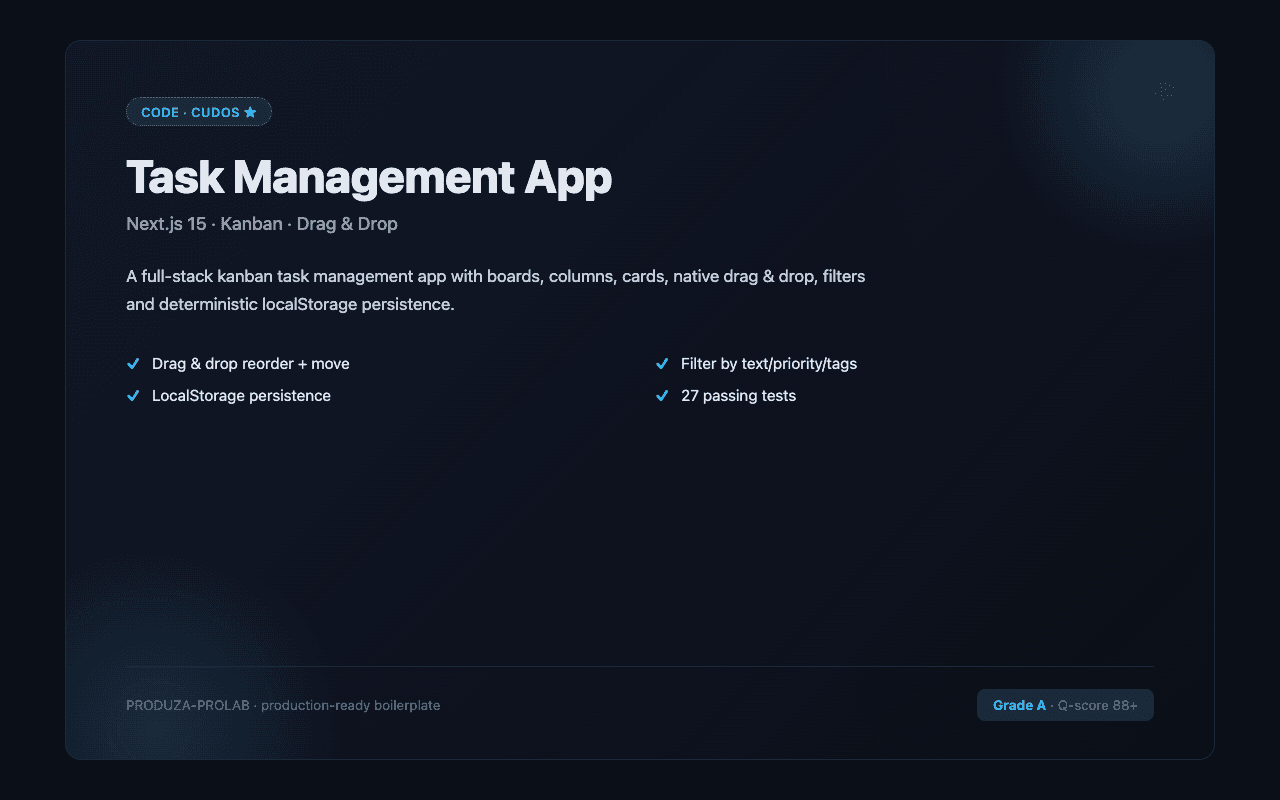
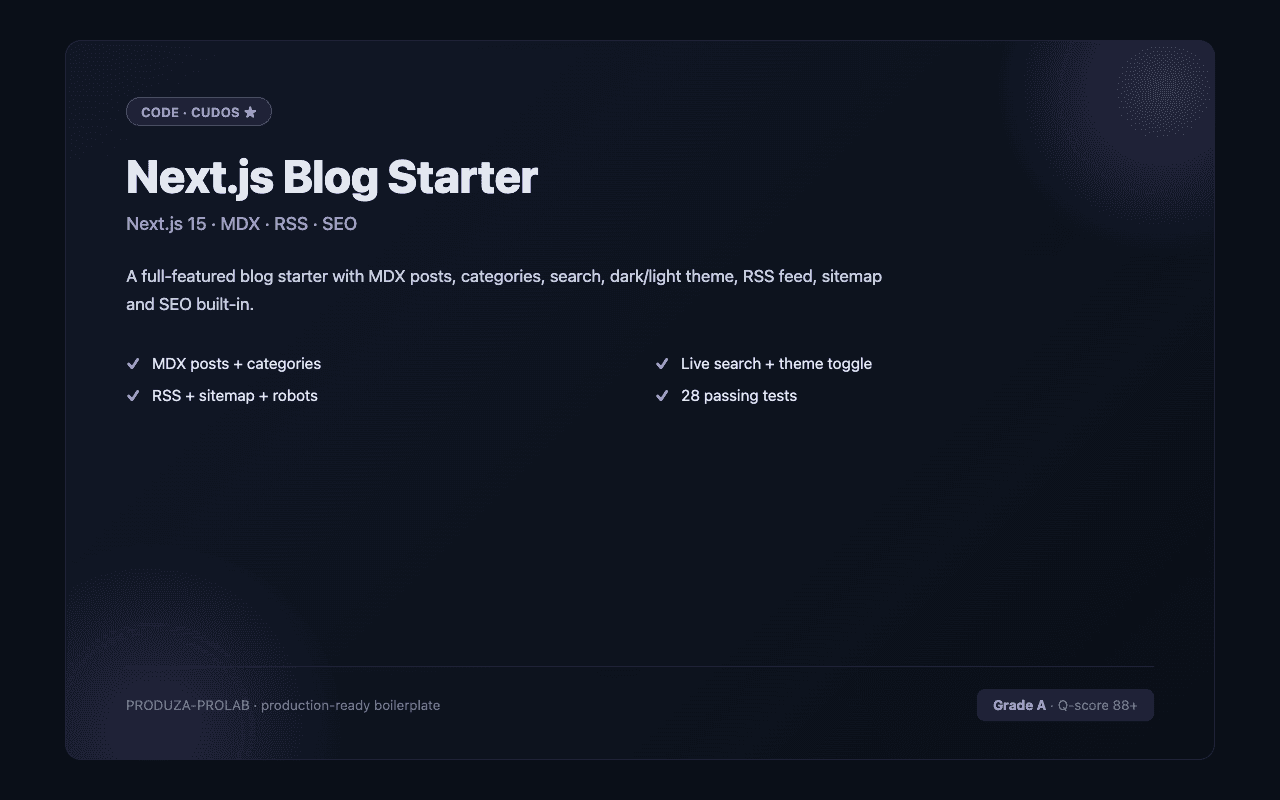
Quality Next.js blog templates handle the full SEO surface: metadata exports per post (title, description, Open Graph image, canonical URL), a generated sitemap.xml, structured data (BlogPosting JSON-LD), and RSS feed. The best templates use MDX for content — write Markdown, embed React components where needed (code demos, callout boxes, charts). Look for templates that implement proper reading time calculation, previous/next post navigation, and tag or category filtering. Image handling matters: posts should accept a hero image with automatic WebP conversion and blur placeholders via Next.js Image. For teams, look for templates with draft post support — posts not published don't appear in production but can be previewed locally. Avoid templates where all posts are in a single flat directory with no frontmatter validation — this breaks as the post count grows. For the Tailwind CSS subset specifically, the strongest listings target current Tailwind CSS versions, ship with TypeScript types where applicable, and document any framework-specific gotchas (deployment adapters, runtime requirements, etc.). Check the quality score and the listing's stack tags before buying — a "Tailwind CSS" tag confirms it works in the Tailwind CSS ecosystem natively.
Tailwind CSS is the most-traded stack on CodeCudos for next.js blog templates. Picking a Tailwind CSS-based listing means the code drops into your existing Tailwind CSS project without framework-level rewrites — and the ecosystem of complementary libraries (auth, payments, ORM) is mature and well-documented.
Most Next.js blog templates on CodeCudos are file-based (MDX files in the repo). Some integrate with Sanity, Contentlayer, or Hygraph for a CMS editing UI. Check the listing description for 'CMS', 'Sanity', or 'Contentlayer' if you need non-developer editing.
Most don't include comments by default — they typically suggest Giscus (GitHub Discussions-based) or Disqus as an add-on. The better templates document how to add Giscus in a few minutes.
Tailwind v4 is the current default. v3 listings work, but require a migration eventually if you want long-term parity.
Tailwind v3+ ships JIT-only — only the classes you use ship in the build. The PurgeCSS era is over.
Request a refund within 14 days from your dashboard. We'll approve refunds when the code doesn't match the listing description or has critical bugs that prevent normal use.