
by Mayank Yadav · Boilerplate
Next.jsReactTypeScriptTailwind CSS+3
$149

A Next.js portfolio template delivers a polished personal site — project showcase, blog, contact form, and dark mode — without weeks of design and build time. Filtered to Tailwind CSS listings only — 7 match. Tailwind CSS powers most CodeCudos listings — from one-off components to full design systems built on shadcn/ui and Radix.
7 quality-scored listings.




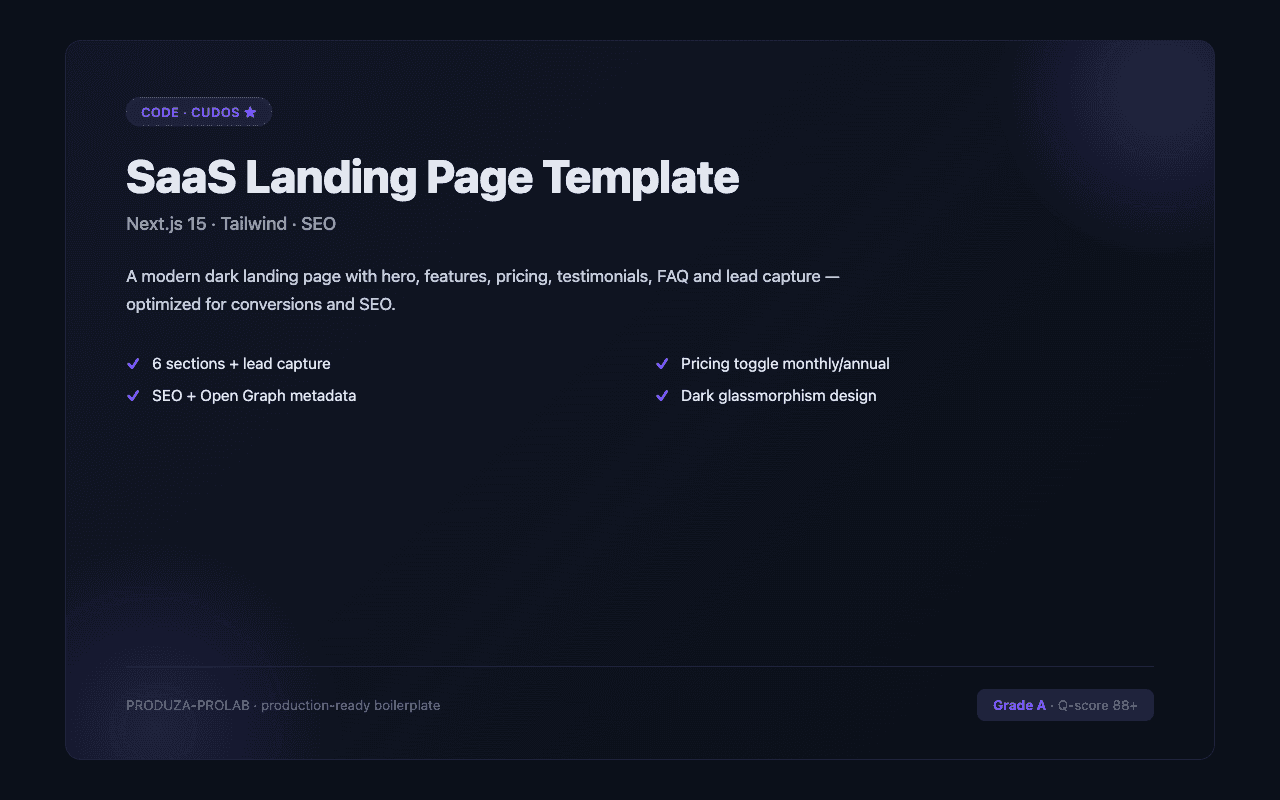
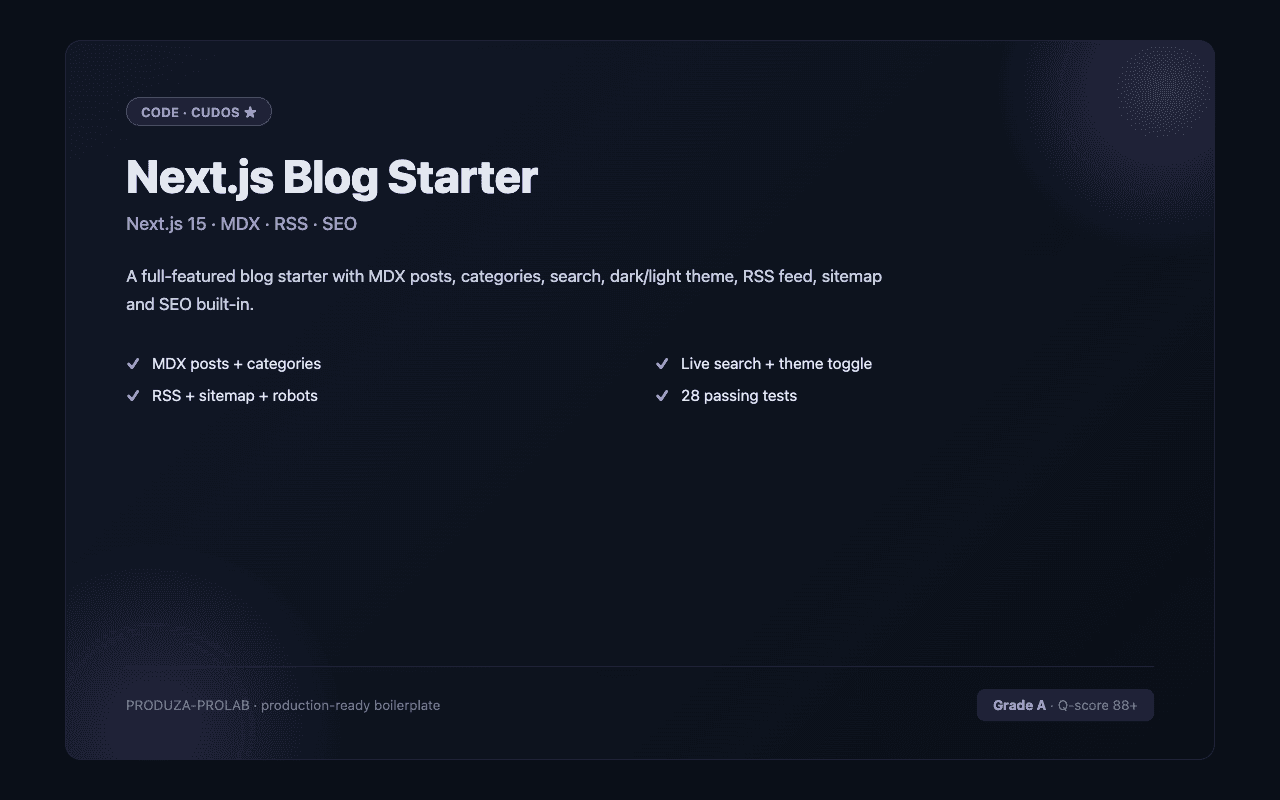
A portfolio's job is to get you hired or win you clients. Quality Next.js portfolio templates on CodeCudos lead with a clear value proposition in the hero, show project work with case study depth (not just screenshots), and include a working contact form (Resend or Nodemailer) with spam protection. The best templates use MDX for project pages so you can write rich case studies, include a blog section for thought leadership, and are optimised for fast load times (Lighthouse 95+ on mobile). Dark mode should be default-on for developer audiences — the terminal crowd prefers it. Look for portfolios that generate Open Graph images per page (using Next.js Metadata API or @vercel/og) so your links look professional on LinkedIn and Twitter. Animated templates are a double-edged sword: tasteful entrance animations improve perceived quality; excessive animation signals a junior developer portfolio over a senior one. For the Tailwind CSS subset specifically, the strongest listings target current Tailwind CSS versions, ship with TypeScript types where applicable, and document any framework-specific gotchas (deployment adapters, runtime requirements, etc.). Check the quality score and the listing's stack tags before buying — a "Tailwind CSS" tag confirms it works in the Tailwind CSS ecosystem natively.
Tailwind CSS is the most-traded stack on CodeCudos for next.js portfolio templates. Picking a Tailwind CSS-based listing means the code drops into your existing Tailwind CSS project without framework-level rewrites — and the ecosystem of complementary libraries (auth, payments, ORM) is mature and well-documented.
Yes — Vercel's free Hobby plan handles Next.js portfolios comfortably. Unlimited deployments, global CDN, HTTPS, and preview URLs on every push. You only hit limits if you add heavy serverless function usage.
Both work well. Next.js is better if your portfolio includes dynamic features (a live project demo, guestbook, or real-time data). Astro is better if it's purely content — blog posts and project pages — and you want maximum speed with minimal JavaScript.
Tailwind v4 is the current default. v3 listings work, but require a migration eventually if you want long-term parity.
Tailwind v3+ ships JIT-only — only the classes you use ship in the build. The PurgeCSS era is over.
Request a refund within 14 days from your dashboard. We'll approve refunds when the code doesn't match the listing description or has critical bugs that prevent normal use.