
by Eboagoro Jahdiebube Delight · Landing Page
Next.jsTypeScriptTailwind CSS
$20

Portfolio templates ship a polished personal-brand site without weeks of design work. Filtered to Tailwind CSS listings only — 4 match. Tailwind CSS powers most CodeCudos listings — from one-off components to full design systems built on shadcn/ui and Radix.
4 quality-scored listings.


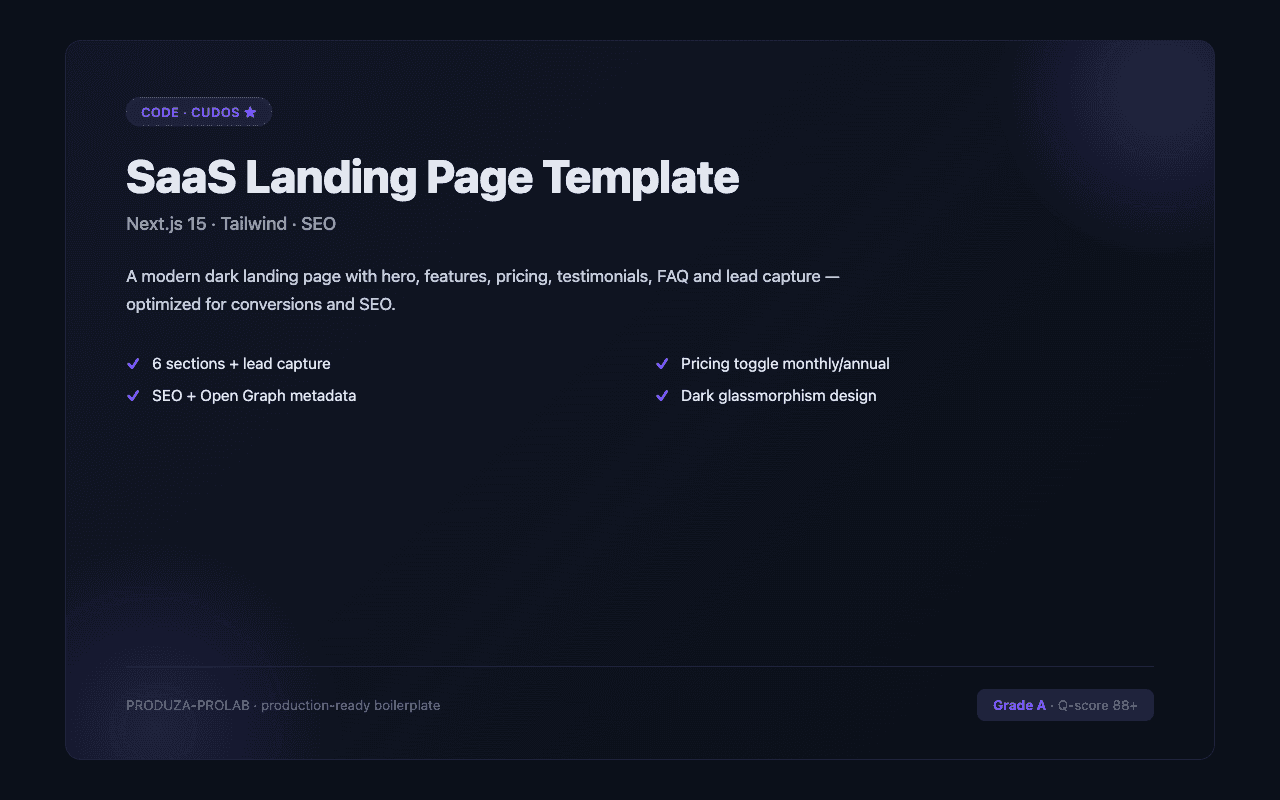
Look for portfolio templates with first-class blog support, project case studies, and dark mode out of the box. The strongest are built on Next.js or Astro and use MDX for content. For the Tailwind CSS subset specifically, the strongest listings target current Tailwind CSS versions, ship with TypeScript types where applicable, and document any framework-specific gotchas (deployment adapters, runtime requirements, etc.). Check the quality score and the listing's stack tags before buying — a "Tailwind CSS" tag confirms it works in the Tailwind CSS ecosystem natively.
Tailwind CSS is the most-traded stack on CodeCudos for portfolio sites. Picking a Tailwind CSS-based listing means the code drops into your existing Tailwind CSS project without framework-level rewrites — and the ecosystem of complementary libraries (auth, payments, ORM) is mature and well-documented.
Most are MDX-based — edit files directly. Listings with Sanity or Contentlayer integration give you a CMS UI.
Tailwind v4 is the current default. v3 listings work, but require a migration eventually if you want long-term parity.
Tailwind v3+ ships JIT-only — only the classes you use ship in the build. The PurgeCSS era is over.
Request a refund within 14 days from your dashboard. We'll approve refunds when the code doesn't match the listing description or has critical bugs that prevent normal use.