A93
by PROLAB® · DashboardVerified
ReactNext.jsTypeScriptTailwind CSS
$45

React dashboard templates deliver charts, navigation, data tables, and user management in a production-ready package — saving 3–6 weeks of UI work.
5 quality-scored listings.
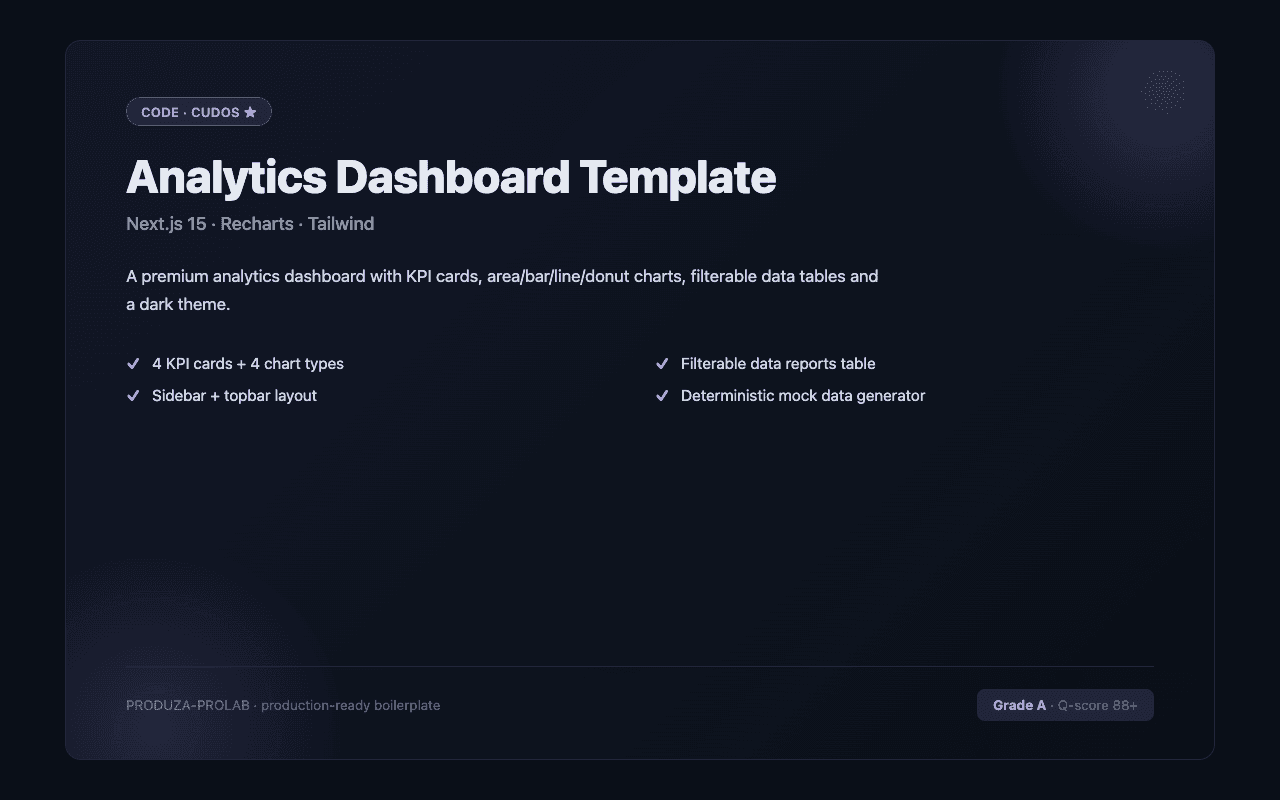
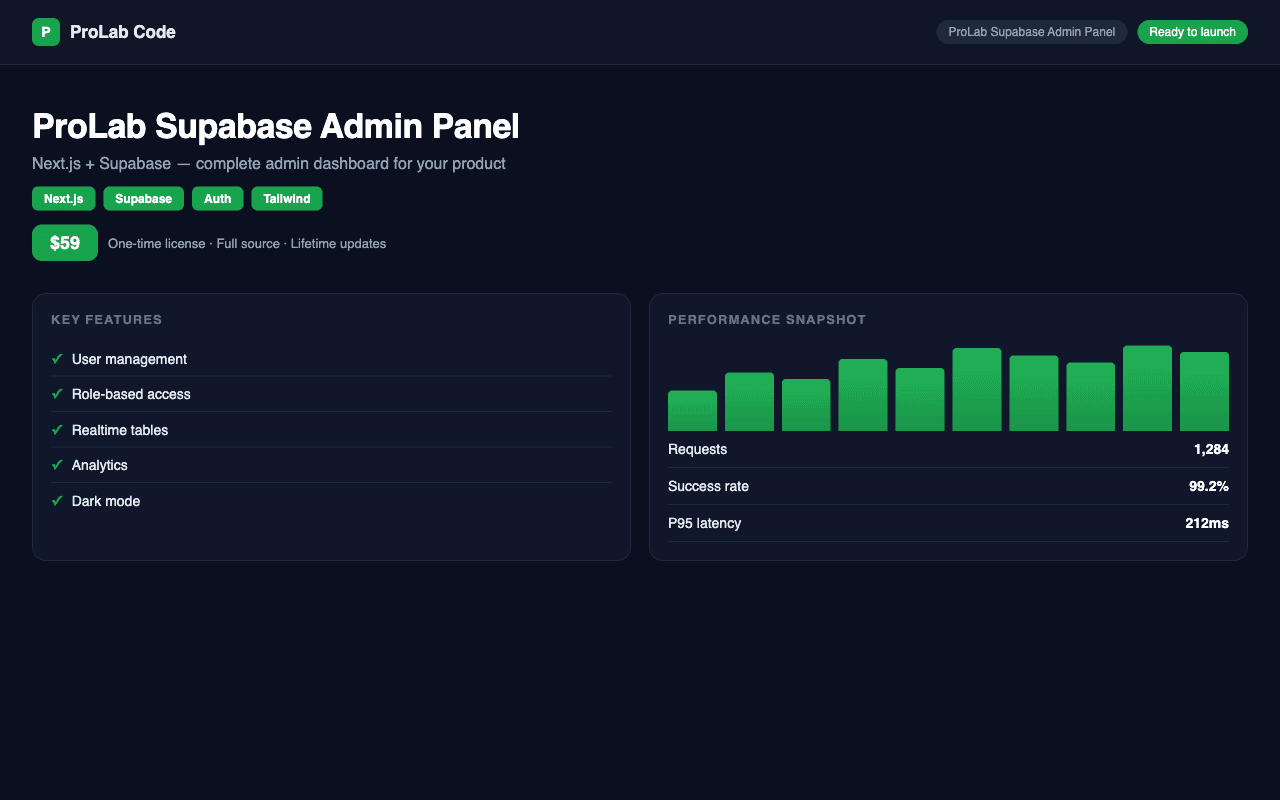
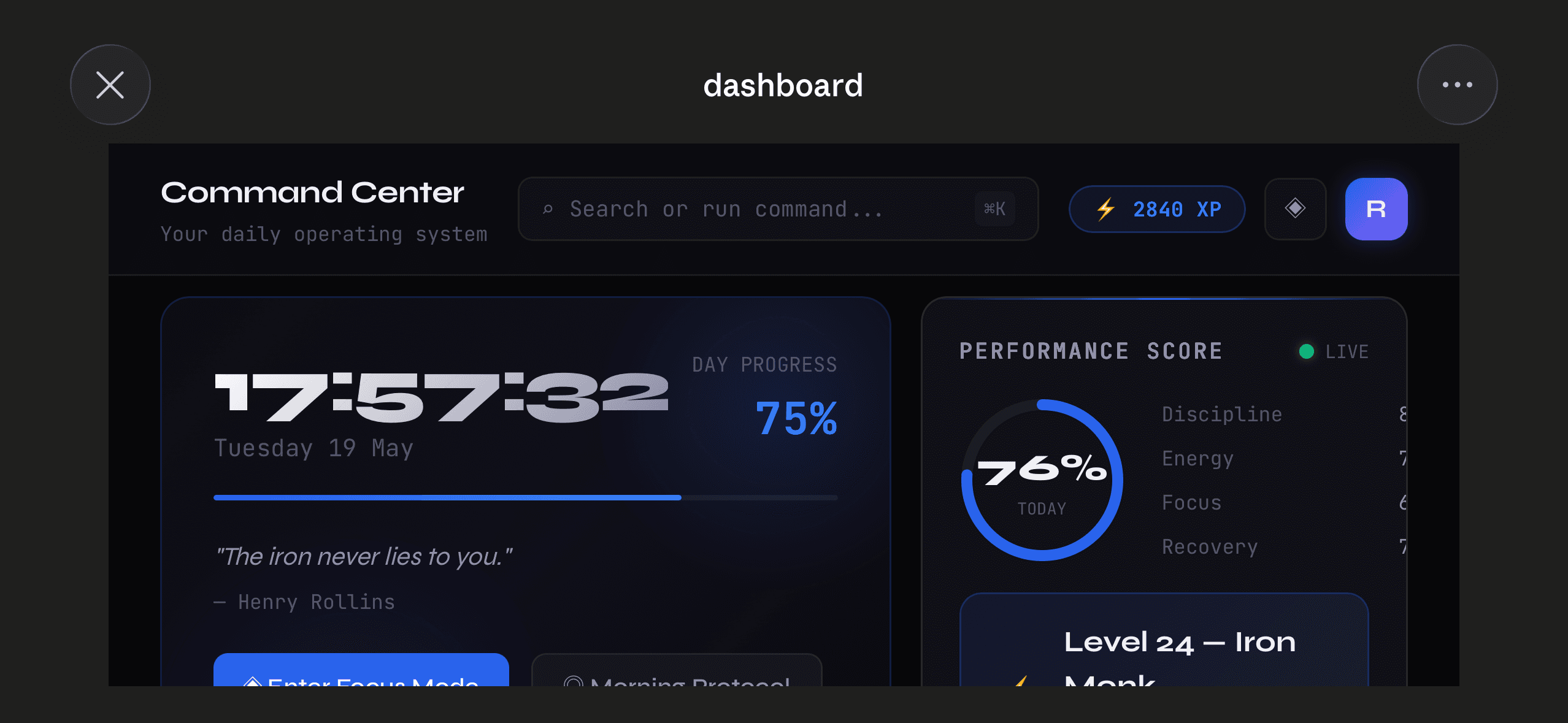
A quality React dashboard template covers the full admin UI: sidebar navigation with collapsible sections and active state, a header with breadcrumbs and user menu, stat cards with trend indicators, at least one chart library wired up (Recharts, Chart.js, or Tremor), and a data table with sort, filter, and pagination. The best templates on CodeCudos use shadcn/ui for components, TanStack Table for data, and are built on Next.js App Router for fast page loads and easy API integration. Look for TypeScript support throughout — dashboard code gets complex fast, and typed props prevent whole categories of bugs. Role-based access control (admin vs viewer vs editor) should be included if you're building a multi-user product.
Dashboard templates typically ship with mock data or example API calls. You wire up your real backend (a REST API, tRPC, or Prisma queries) to replace the mock data. Some listings ship full-stack — check the description.
Recharts is the most common and easiest to customize. Tremor is faster to set up with shadcn/ui. Chart.js is good for complex visualizations. Avoid D3.js for standard charts — it's powerful but overkill for dashboards.
Most modern templates are. Test the demo on a mobile screen — the sidebar should collapse to a hamburger menu and tables should scroll horizontally rather than breaking the layout.