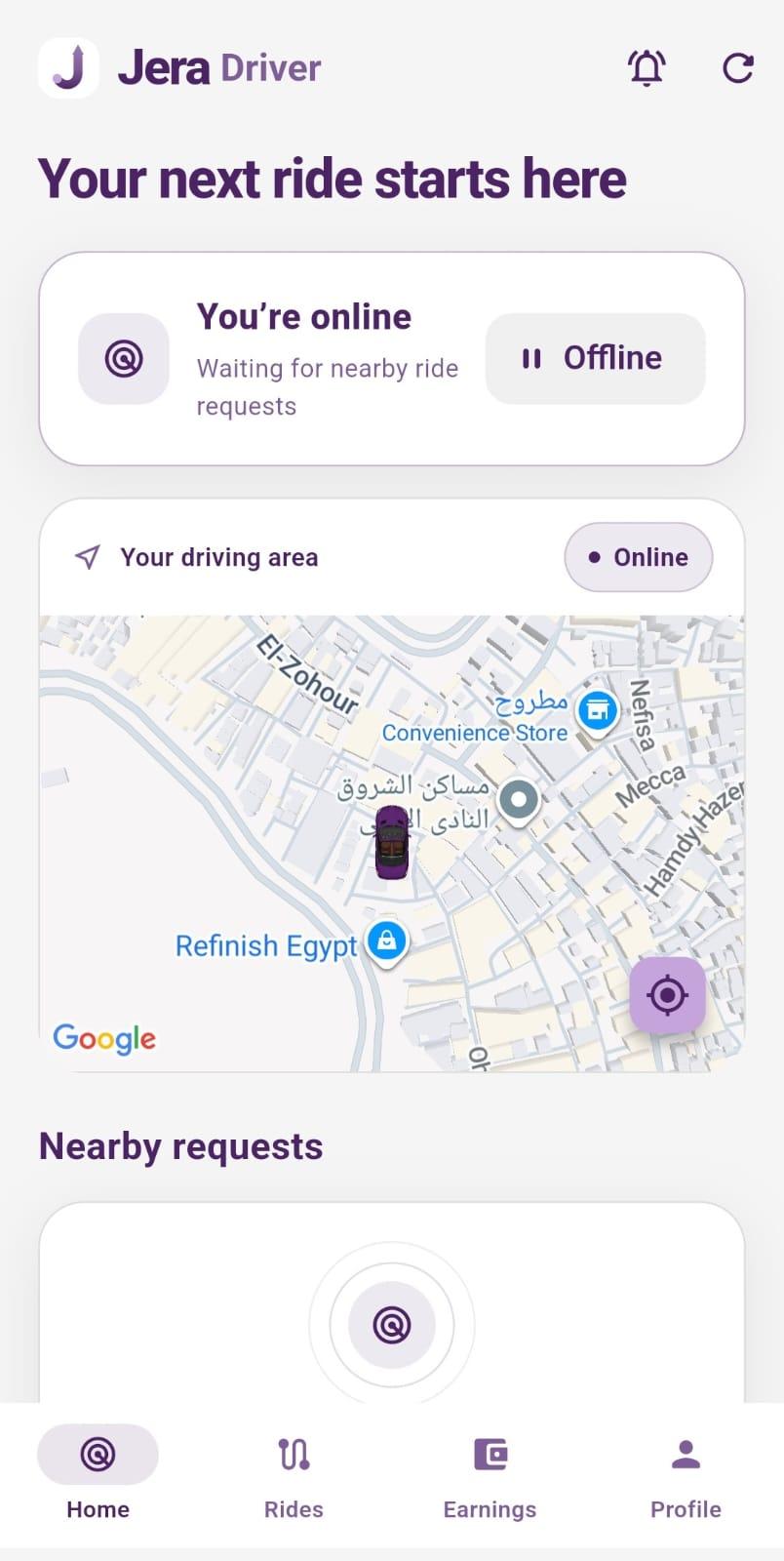
by Ali mohamed · Mobile App
FlutterDartTypeScriptNext.js+6
$120
React Native templates ship the navigation stack, auth flow, and common screens already built — so you start coding your mobile app's unique features from day one. Filtered to Flutter listings only — 3 match. Flutter is a popular stack for this use case.
3 quality-scored listings.

A production-ready React Native template handles the friction points of mobile development: deep linking and push notification setup, splash screen and app icon configuration, navigation (React Navigation v6 or Expo Router), auth flows with secure token storage (not AsyncStorage for sensitive data), and offline-first patterns. Most modern React Native templates on CodeCudos are Expo-based — Expo Managed Workflow handles the native build complexity so you can ship without Xcode/Android Studio experience. For bare React Native templates (full native access), look for listings that document the native module setup step-by-step. Common included screens: onboarding, sign-in/sign-up, home feed, profile, and settings. Check if the template includes a tab navigator and a stack navigator — most real apps need both. State management is typically Zustand or Jotai for lighter templates, Redux Toolkit for more complex ones. For the Flutter subset specifically, the strongest listings target current Flutter versions, ship with TypeScript types where applicable, and document any framework-specific gotchas (deployment adapters, runtime requirements, etc.). Check the quality score and the listing's stack tags before buying — a "Flutter" tag confirms it works in the Flutter ecosystem natively.
Flutter is the most-traded stack on CodeCudos for react native templates. Picking a Flutter-based listing means the code drops into your existing Flutter project without framework-level rewrites — and the ecosystem of complementary libraries (auth, payments, ORM) is mature and well-documented.
Expo for 90% of apps — you get OTA updates, easier builds, and the full Expo SDK (camera, notifications, maps) without native code. Bare React Native when you need a custom native module that Expo doesn't support. Most CodeCudos listings are Expo-based.
Yes — cross-platform is the whole point. Quality templates are tested on both platforms. Check if the listing screenshots show both iOS and Android — sellers who test on both usually say so.
Request a refund within 14 days from your dashboard. We'll approve refunds when the code doesn't match the listing description or has critical bugs that prevent normal use.