by Mayank Yadav · Boilerplate
Next.jsReactTypeScriptTailwind CSS+3
$149

A Next.js SaaS template eliminates 4–8 weeks of plumbing — auth flows, Stripe webhooks, database schema, and transactional emails — so you focus on your unique product logic from day one.
25 quality-scored listings.
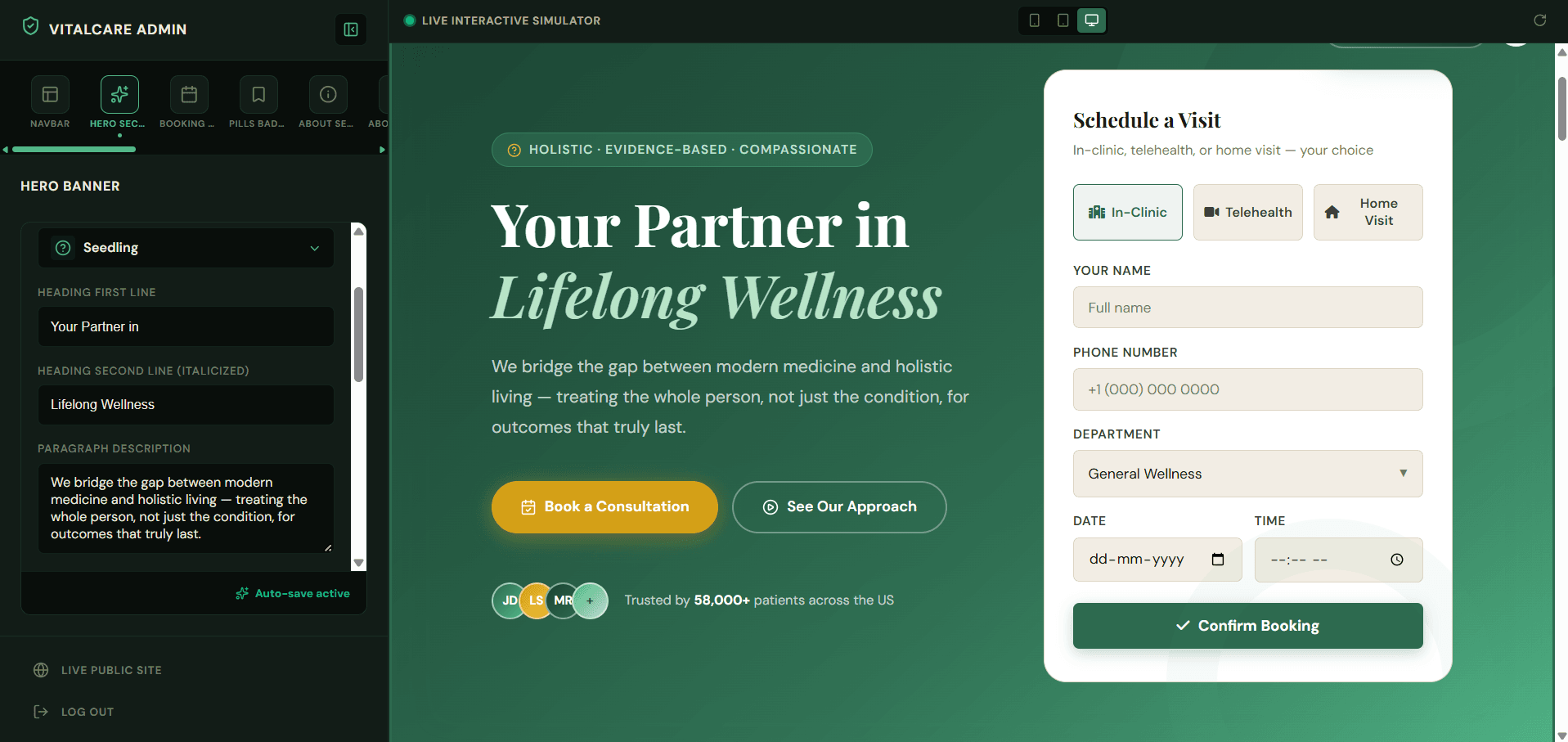
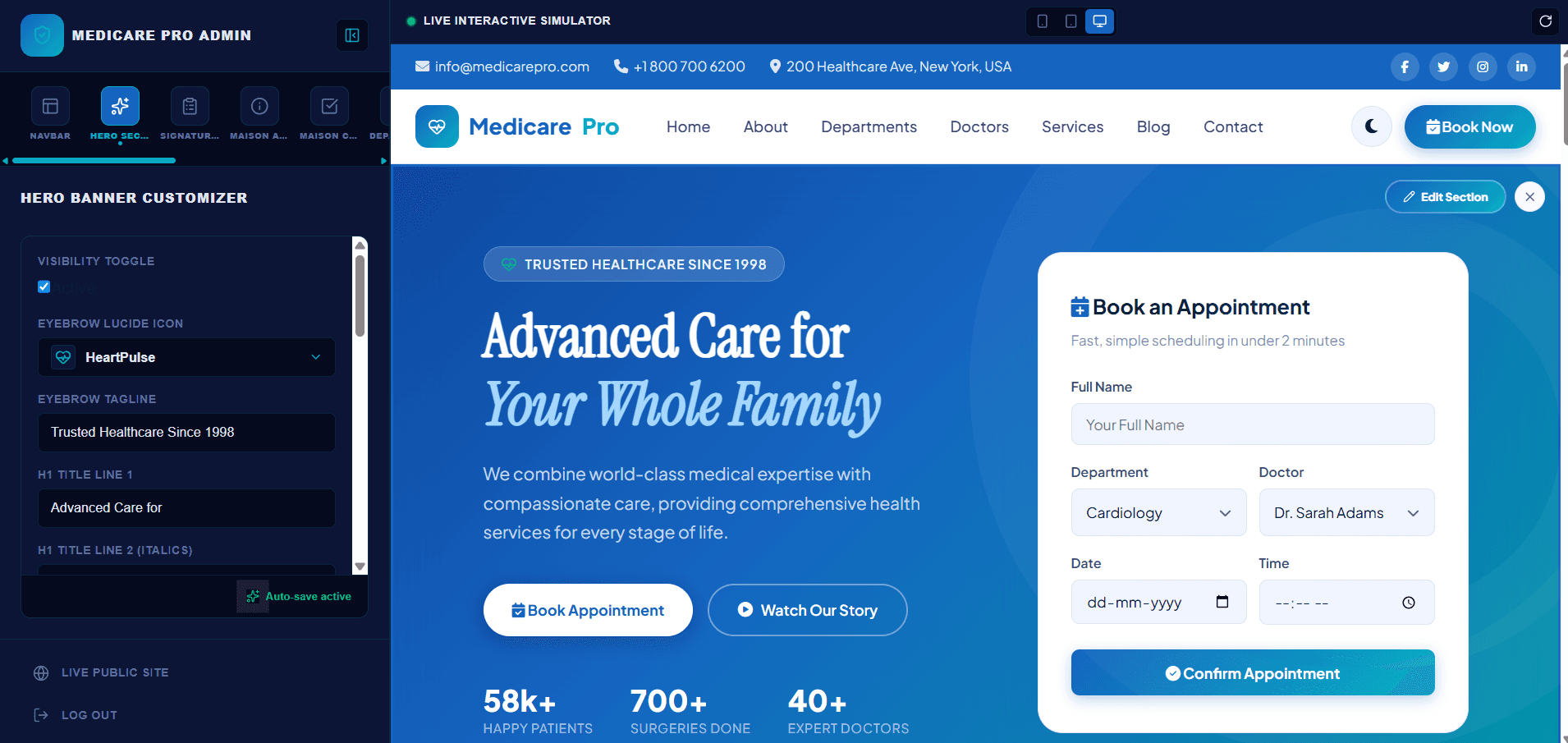
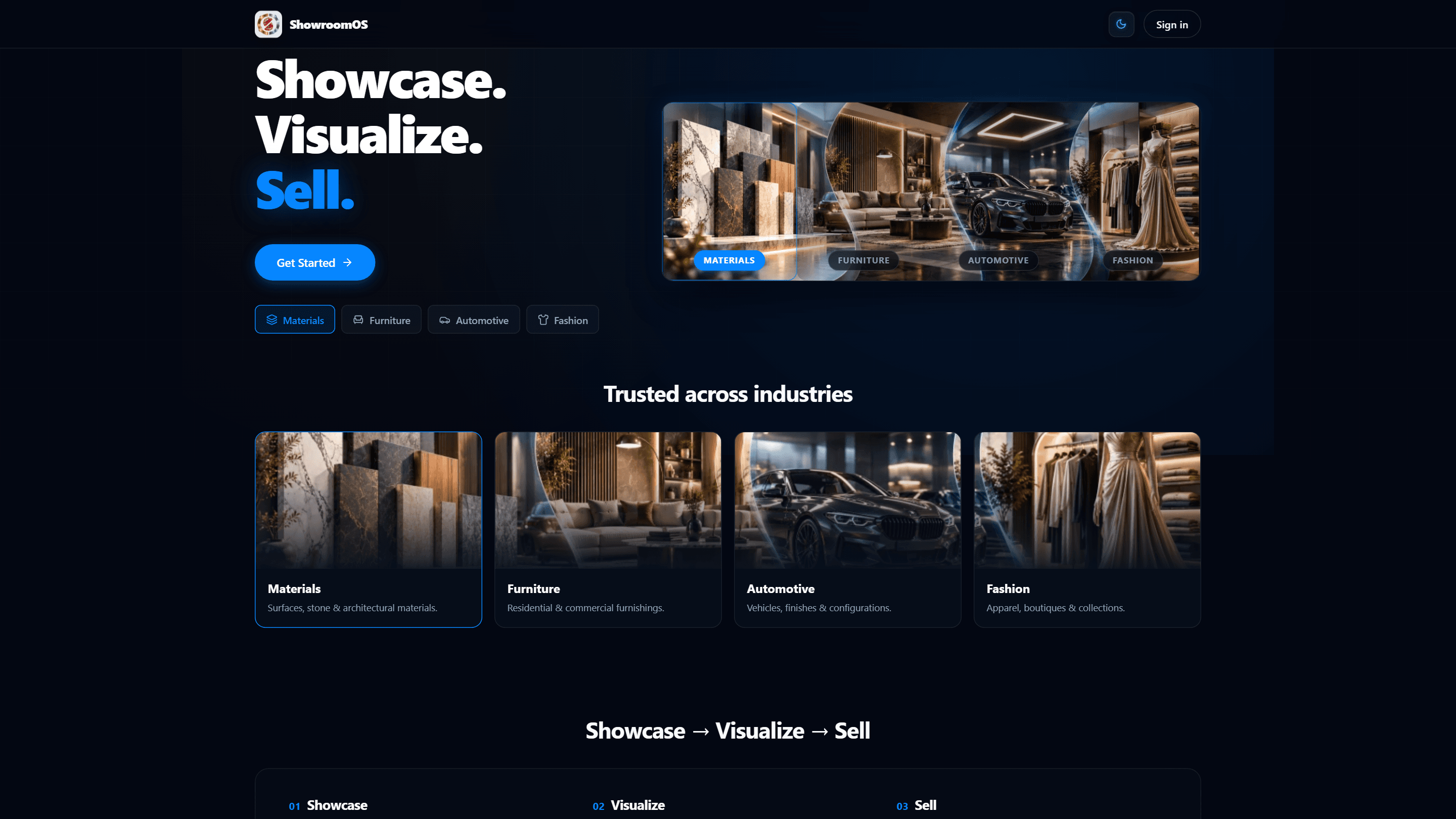
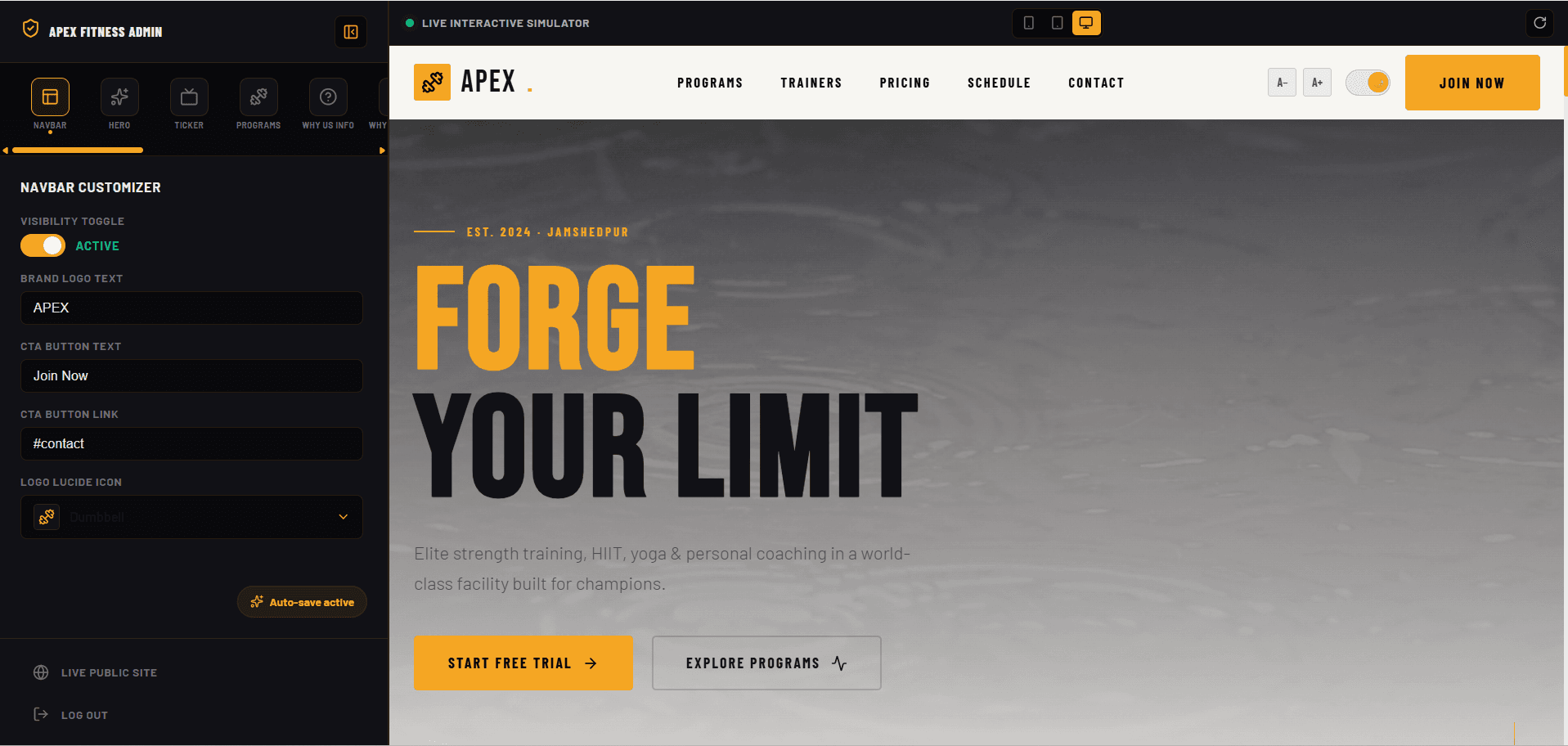


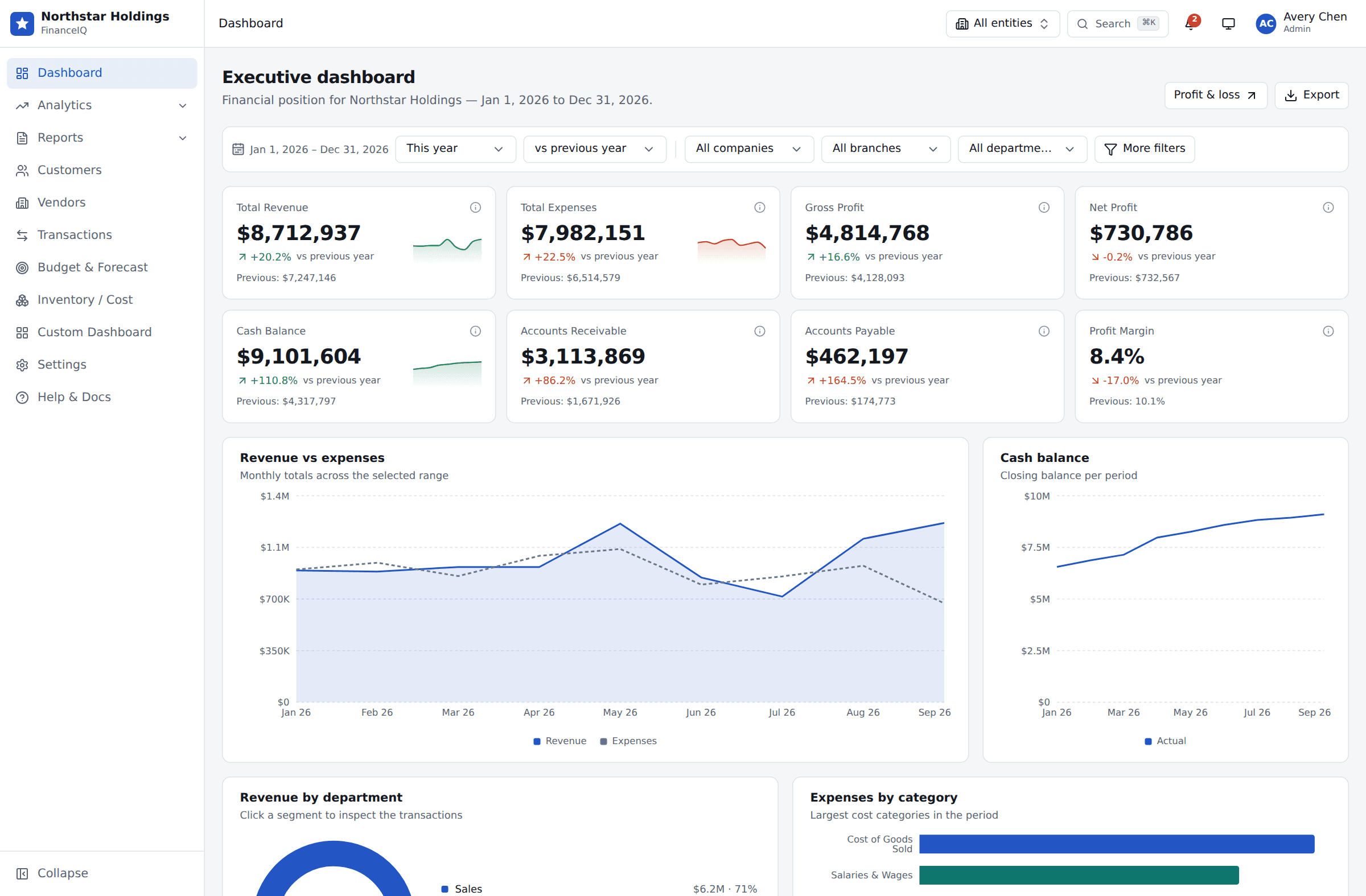




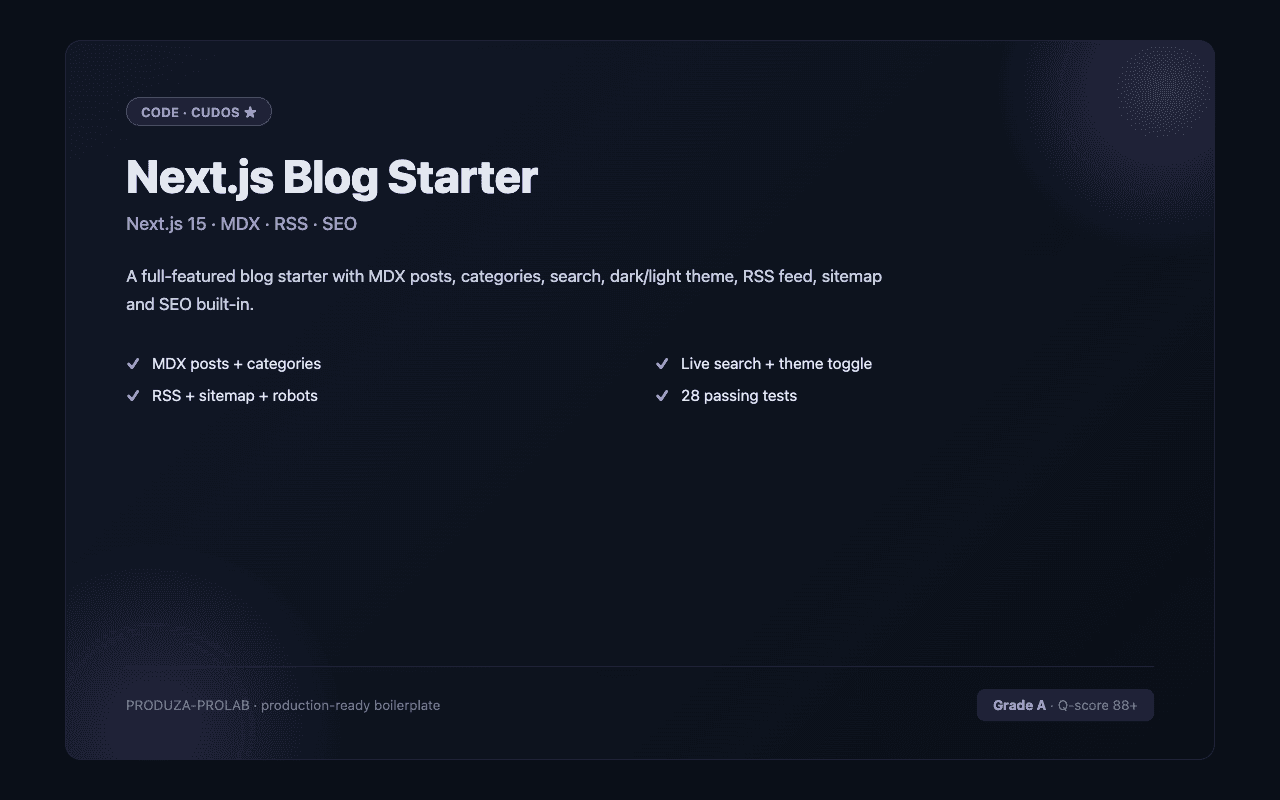
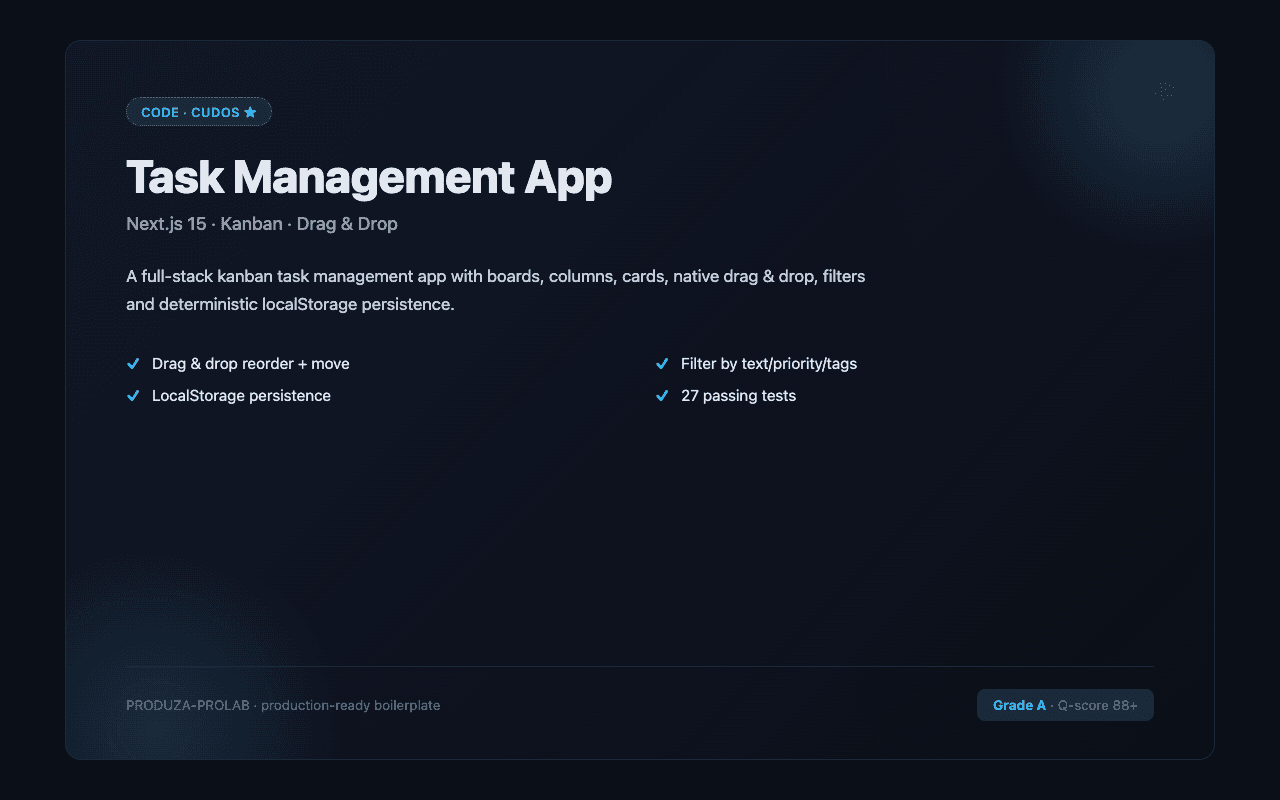
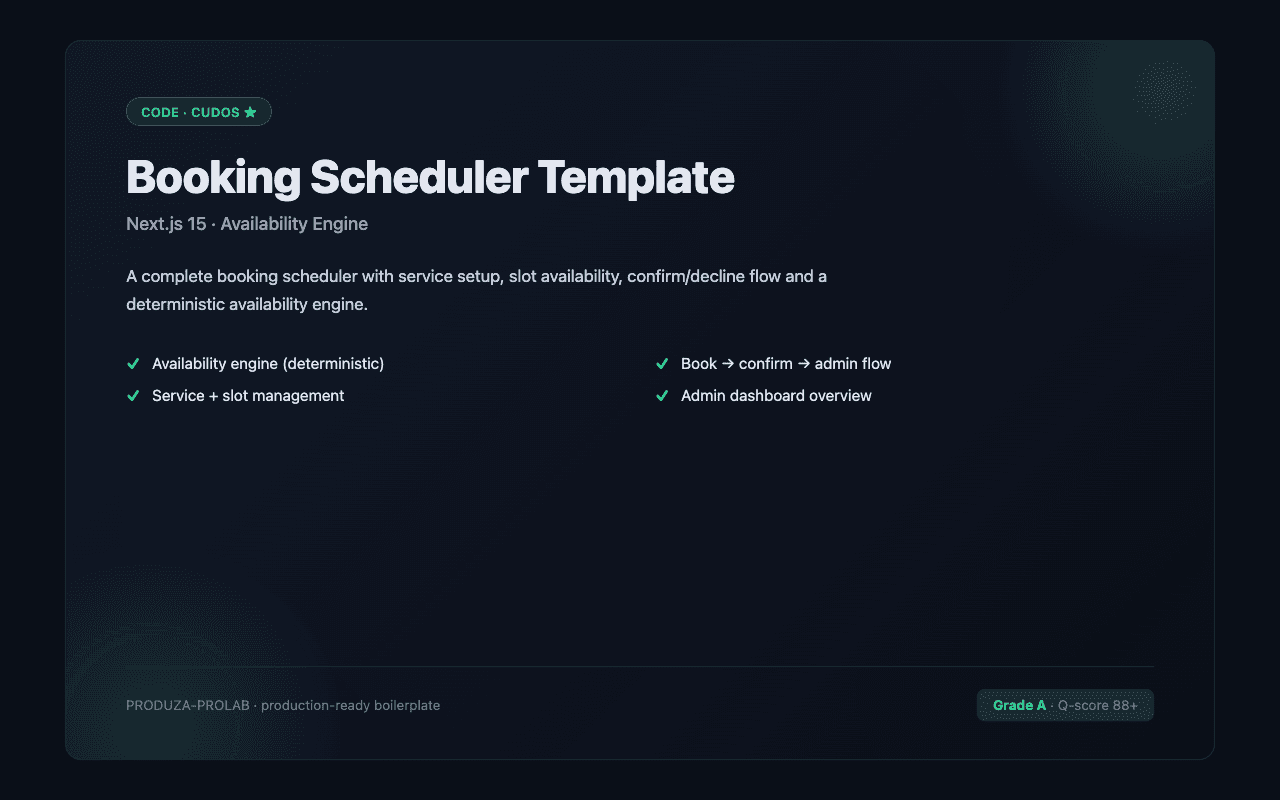
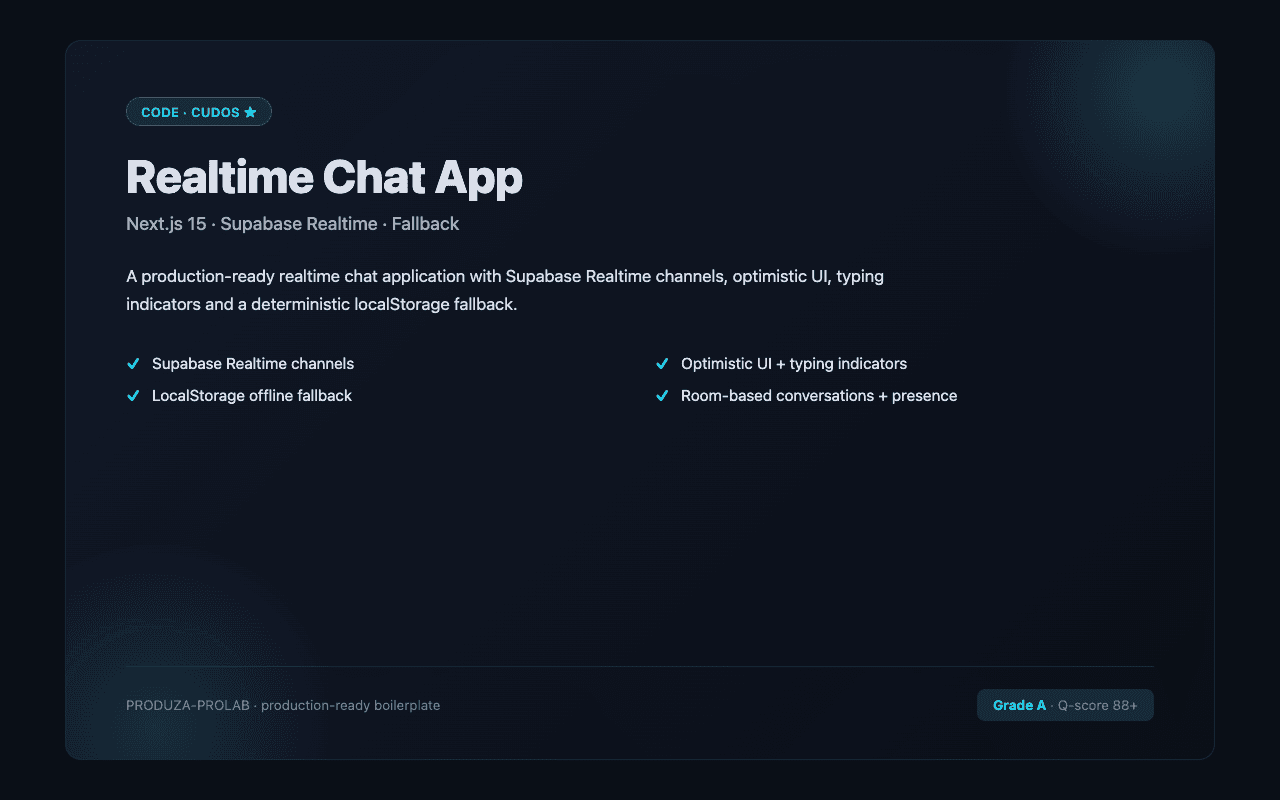
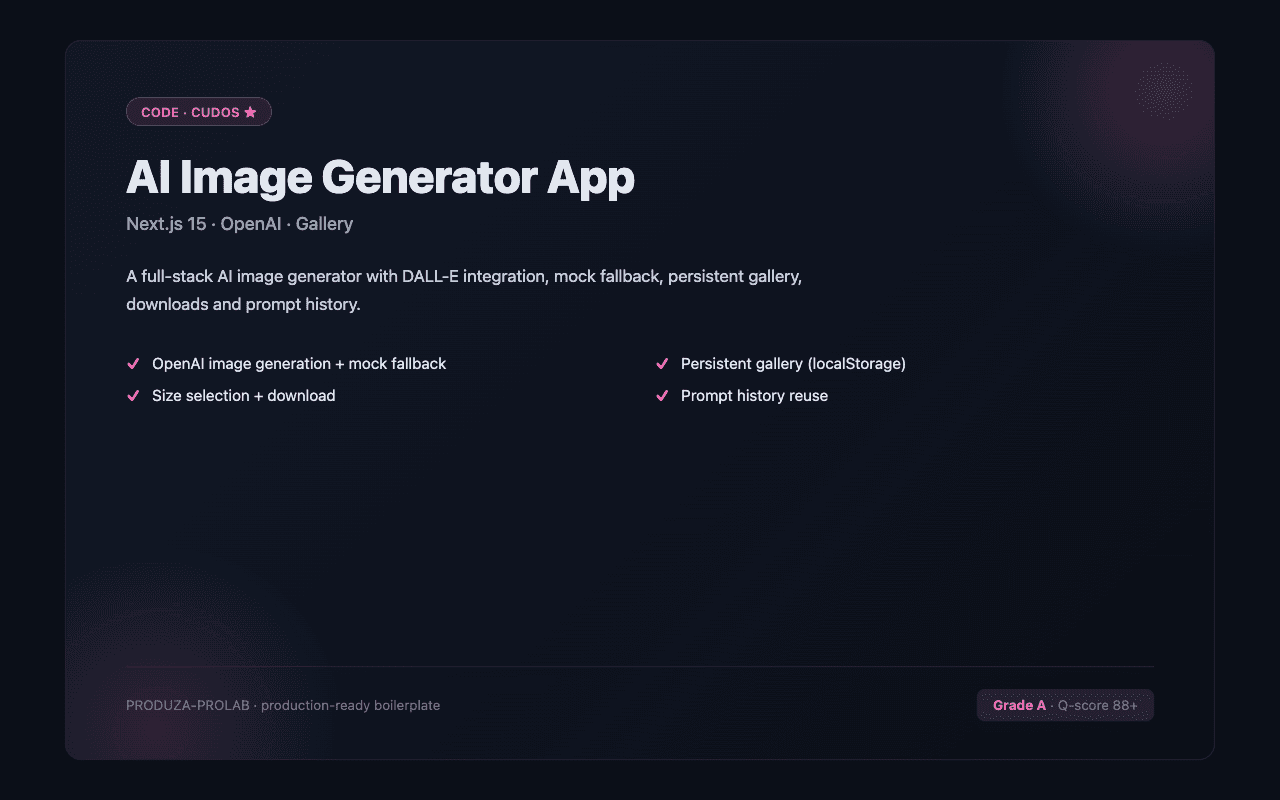
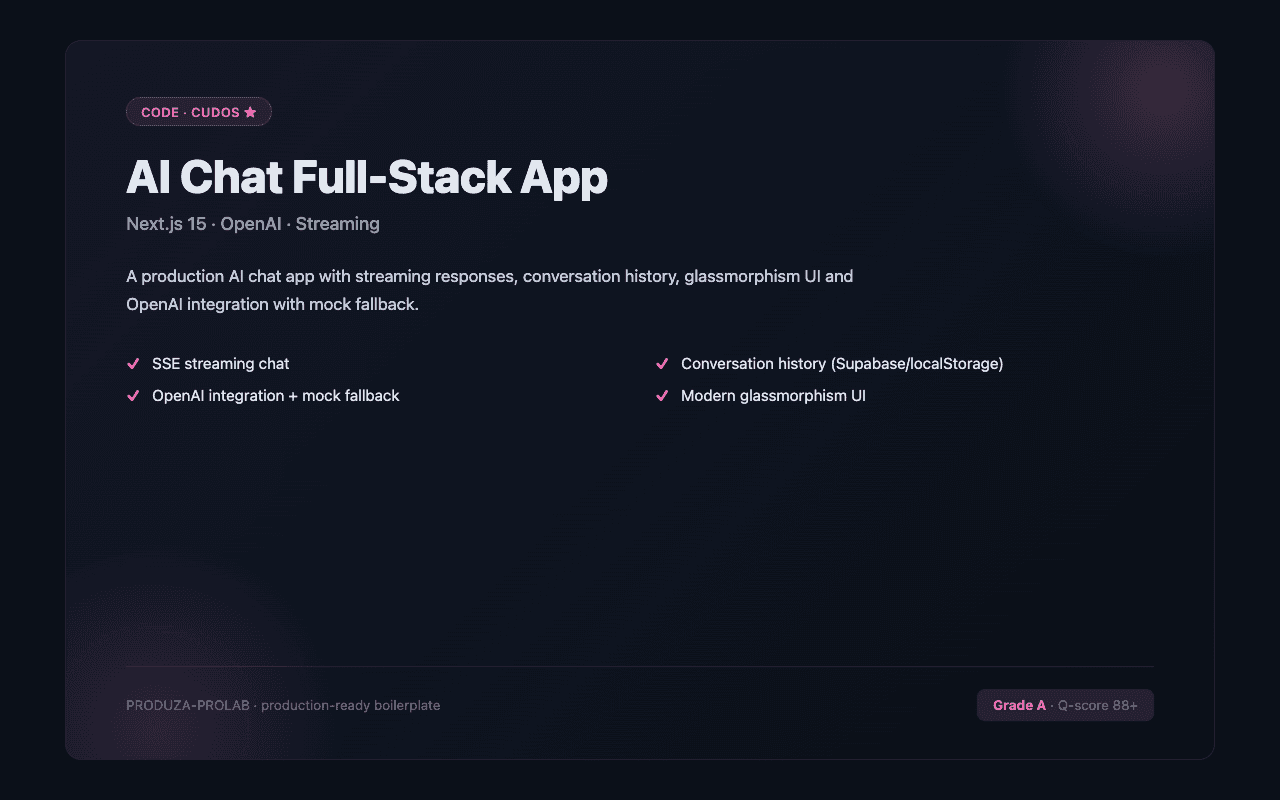
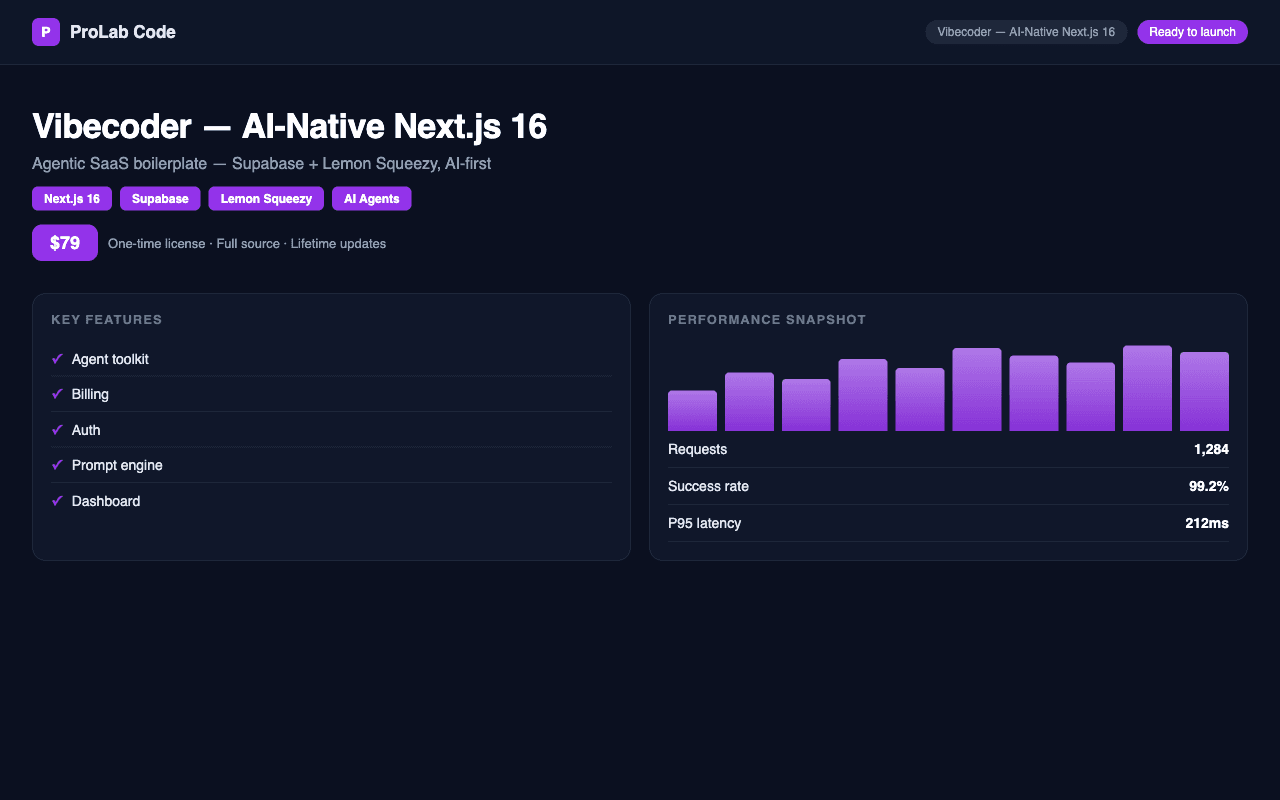
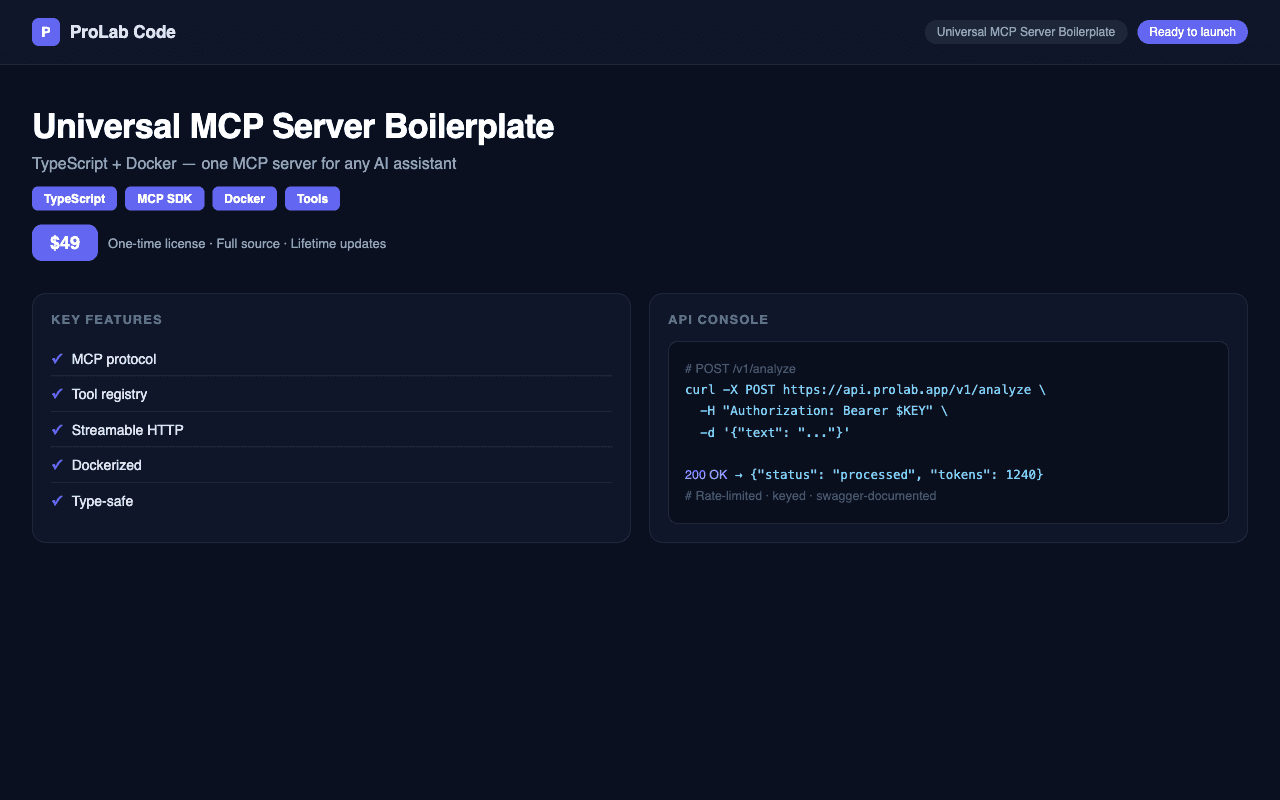
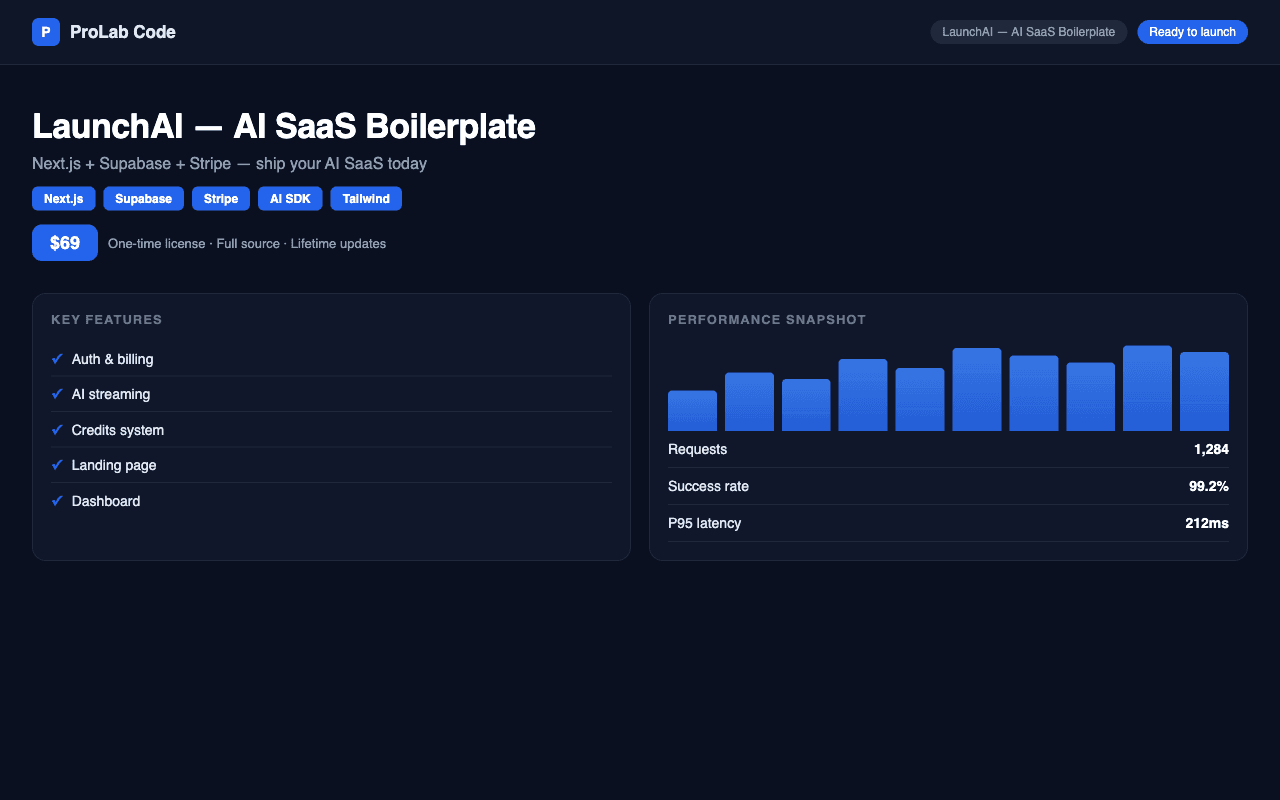
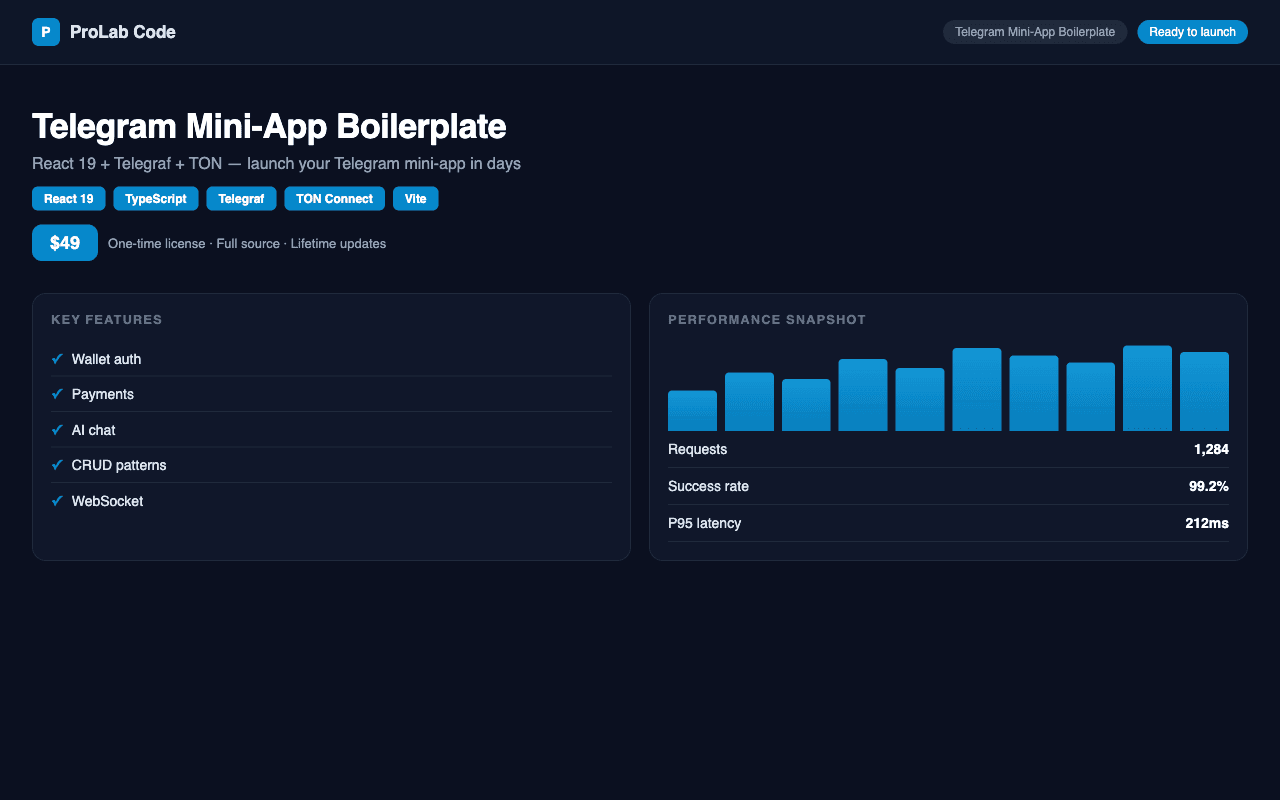

The best Next.js SaaS templates on CodeCudos are built on Next.js 14/15 App Router with server actions, TypeScript throughout, Prisma + PostgreSQL or Supabase for the database layer, and NextAuth or Auth.js for authentication. Stripe integration should include Checkout, webhooks with signature verification, customer portal, and subscription status synced to your DB. Check that the template ships with a working local dev setup (including a running database), a clear onboarding README, and at least basic test coverage. Avoid templates that rely on deprecated Pages Router patterns or have Stripe webhooks wired incorrectly — CodeCudos's quality scan flags these before the listing goes live. Typical time from purchase to first deploy: 1–3 days.
The terms are used interchangeably. A template typically implies more UI included (landing page, dashboard, pricing page). A boilerplate implies a more minimal foundation. Both should handle auth, billing, and database out of the box.
Some do, most don't. Look for terms like 'organizations', 'workspaces', or 'teams' in the listing description. True multi-tenancy requires tenant-scoped data queries — not just a teamId column.
Prisma + PostgreSQL (often via Supabase or Neon) is the most common stack. Supabase-only listings use the Supabase client directly. Both are production-ready — choose based on your deployment preference.