A93
by PROLAB® · DashboardVerified
ReactNext.jsTypeScriptTailwind CSS
$45

React dashboard templates deliver charts, navigation, data tables, and user management in a production-ready package — saving 3–6 weeks of UI work. Filtered to React listings only — 3 match. React is the most-traded tech stack on CodeCudos — components, dashboards, SaaS boilerplates, and component libraries all built on React 18+.
3 quality-scored listings.
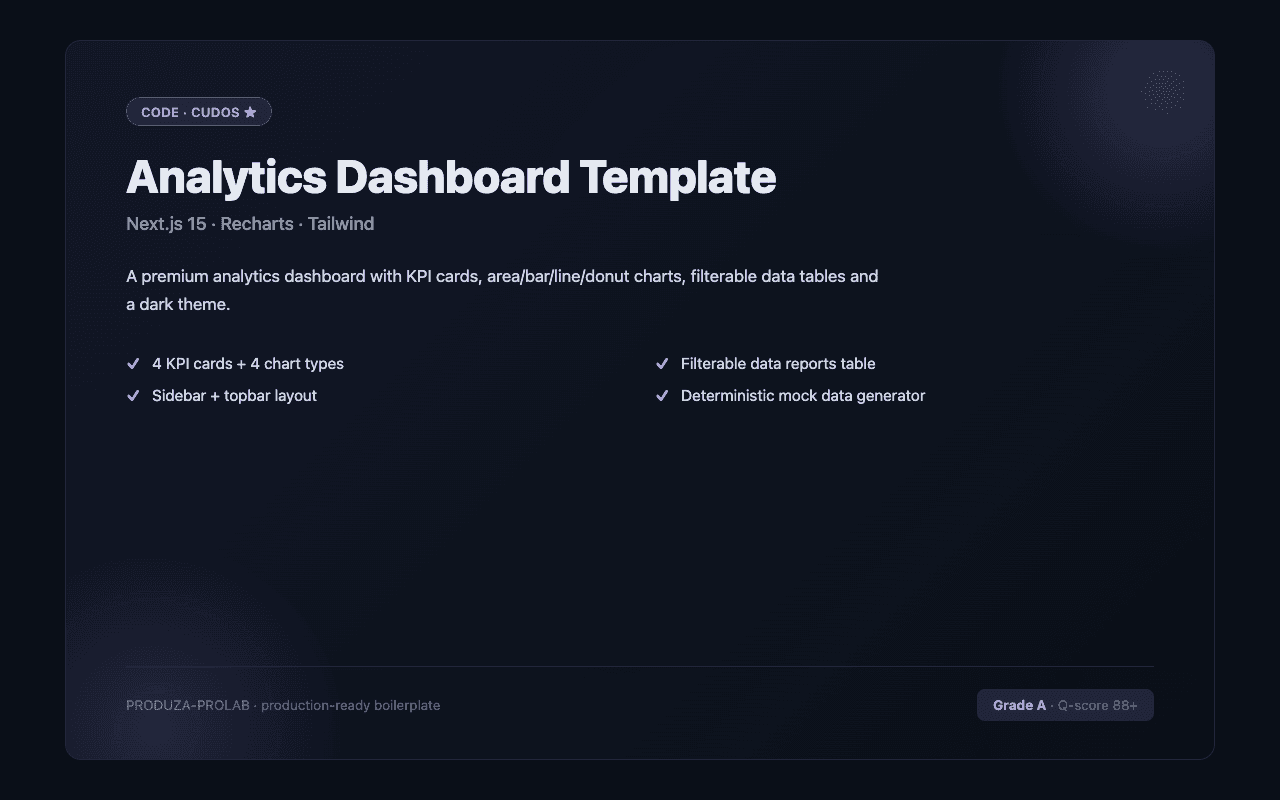
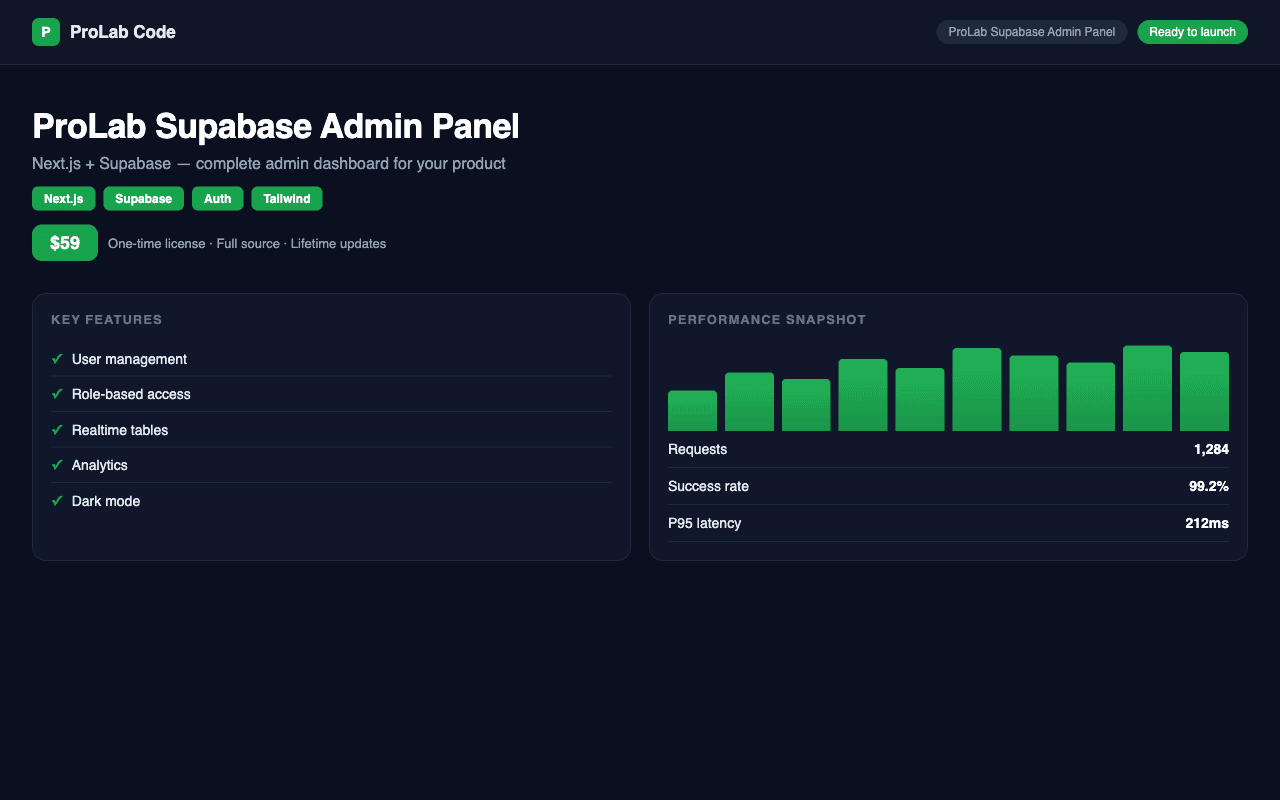
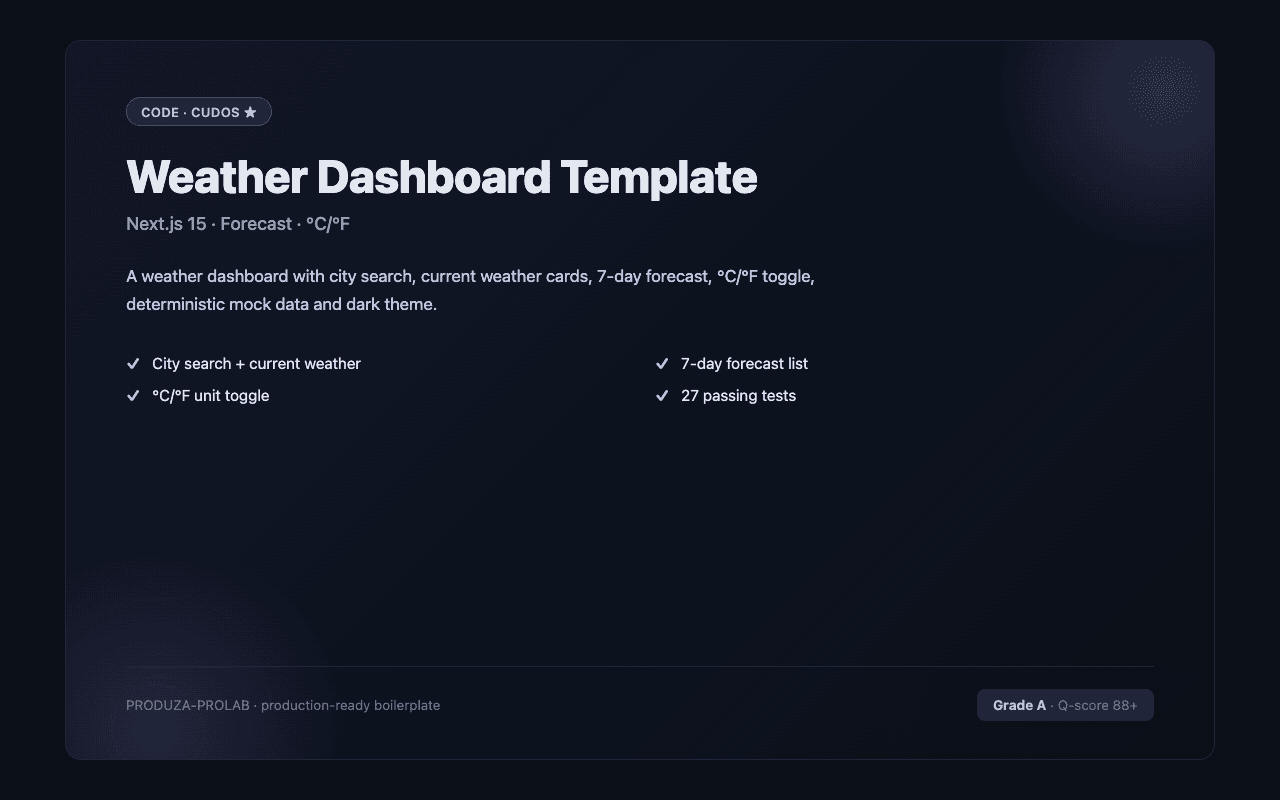
A quality React dashboard template covers the full admin UI: sidebar navigation with collapsible sections and active state, a header with breadcrumbs and user menu, stat cards with trend indicators, at least one chart library wired up (Recharts, Chart.js, or Tremor), and a data table with sort, filter, and pagination. The best templates on CodeCudos use shadcn/ui for components, TanStack Table for data, and are built on Next.js App Router for fast page loads and easy API integration. Look for TypeScript support throughout — dashboard code gets complex fast, and typed props prevent whole categories of bugs. Role-based access control (admin vs viewer vs editor) should be included if you're building a multi-user product. For the React subset specifically, the strongest listings target current React versions, ship with TypeScript types where applicable, and document any framework-specific gotchas (deployment adapters, runtime requirements, etc.). Check the quality score and the listing's stack tags before buying — a "React" tag confirms it works in the React ecosystem natively.
React is the most-traded stack on CodeCudos for react dashboard templates. Picking a React-based listing means the code drops into your existing React project without framework-level rewrites — and the ecosystem of complementary libraries (auth, payments, ORM) is mature and well-documented.
Dashboard templates typically ship with mock data or example API calls. You wire up your real backend (a REST API, tRPC, or Prisma queries) to replace the mock data. Some listings ship full-stack — check the description.
Recharts is the most common and easiest to customize. Tremor is faster to set up with shadcn/ui. Chart.js is good for complex visualizations. Avoid D3.js for standard charts — it's powerful but overkill for dashboards.
Most listings target React 18 or 19. Check the package.json before buying. Listings still on React 17 are usually flagged in the description.
The strongest ones, yes. Pure-JavaScript listings exist but are increasingly rare. Filter by the TypeScript stack tag to see only typed listings.
Request a refund within 14 days from your dashboard. We'll approve refunds when the code doesn't match the listing description or has critical bugs that prevent normal use.